

Sheet
A panel that slides in from an edge of the screen.
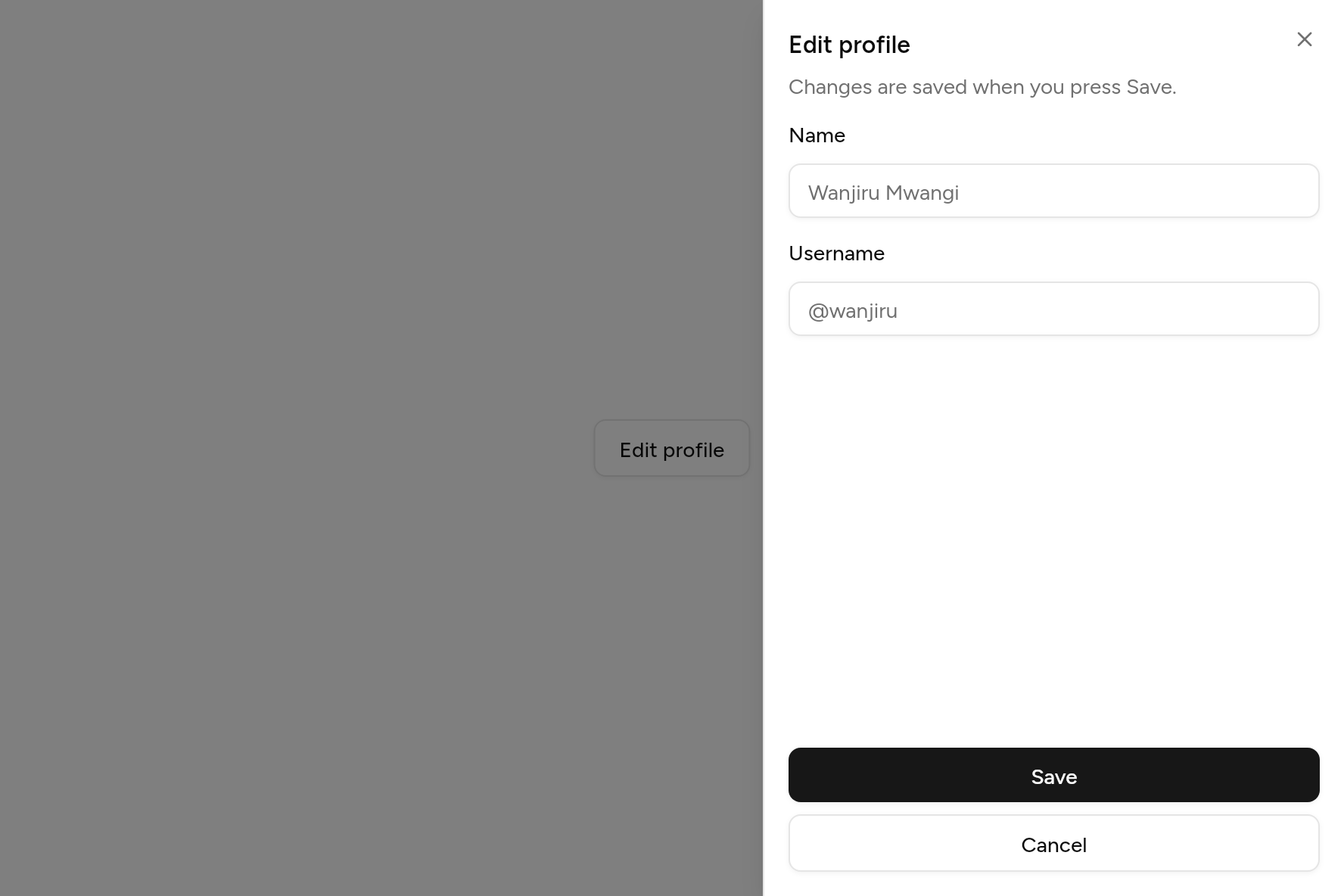
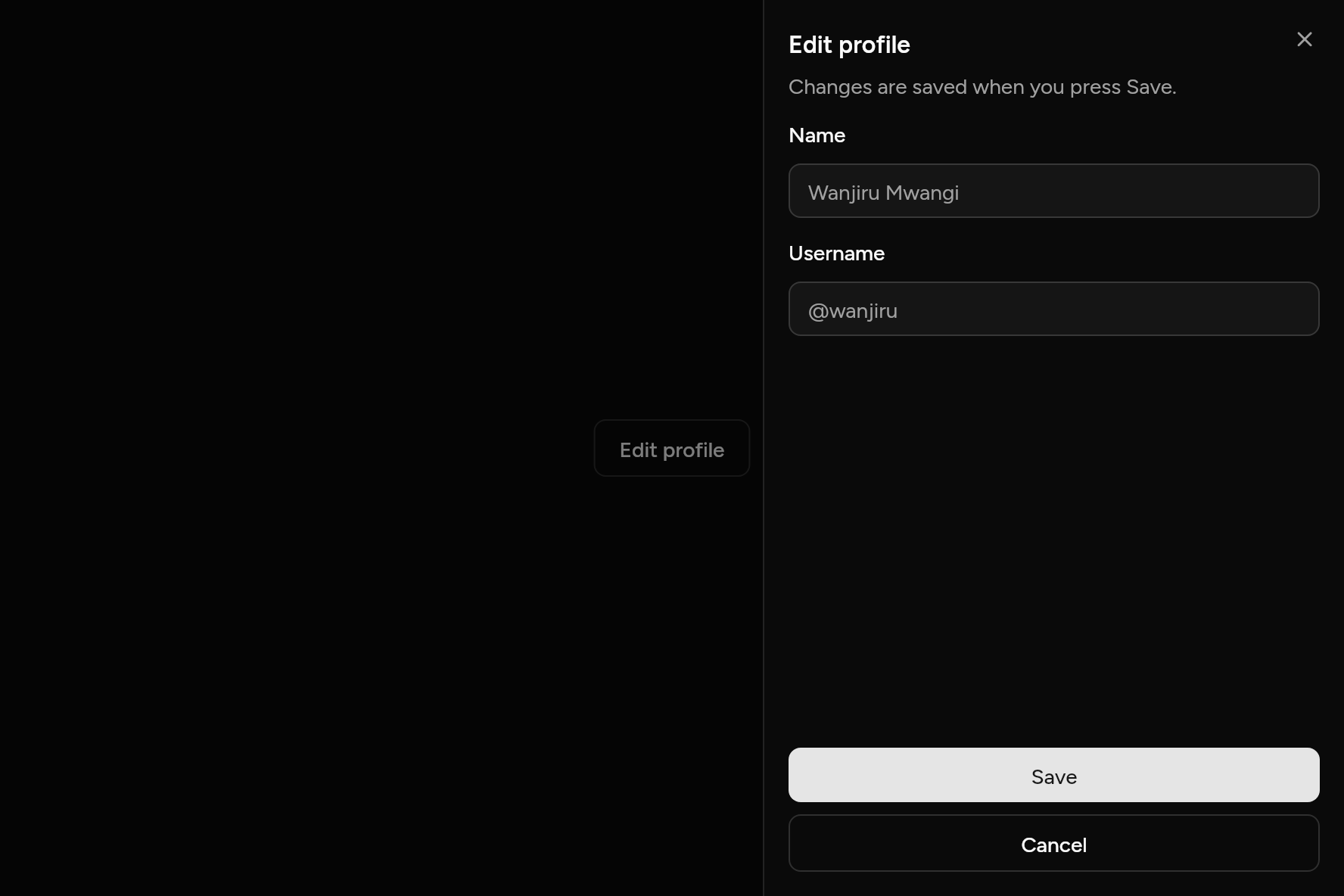
import 'package:flutter/widgets.dart';

import 'ui/button.dart';
import 'ui/field.dart';
import 'ui/input.dart';
import 'ui/sheet.dart';

class SheetDemo extends StatelessWidget {
  const SheetDemo({super.key});

  @override
  Widget build(BuildContext context) => Button(
    variant: ButtonVariant.outline,
    onPressed: () => showSheet(
      context: context,
      builder: (context) => Sheet(
        title: const Text('Edit profile'),
        description: const Text('Changes are saved when you press Save.'),
        content: const Column(
          children: [
            Field(
              label: Text('Name'),
              child: Input(placeholder: 'Wanjiru Mwangi'),
            ),
            SizedBox(height: 16),
            Field(
              label: Text('Username'),
              child: Input(placeholder: '@wanjiru'),
            ),
          ],
        ),
        footer: [
          Button(onPressed: () => Navigator.pop(context), child: const Text('Save')),
          Button(variant: ButtonVariant.outline, onPressed: () => Navigator.pop(context), child: const Text('Cancel')),
        ],
      ),
    ),
    child: const Text('Edit profile'),
  );
}
Try its options
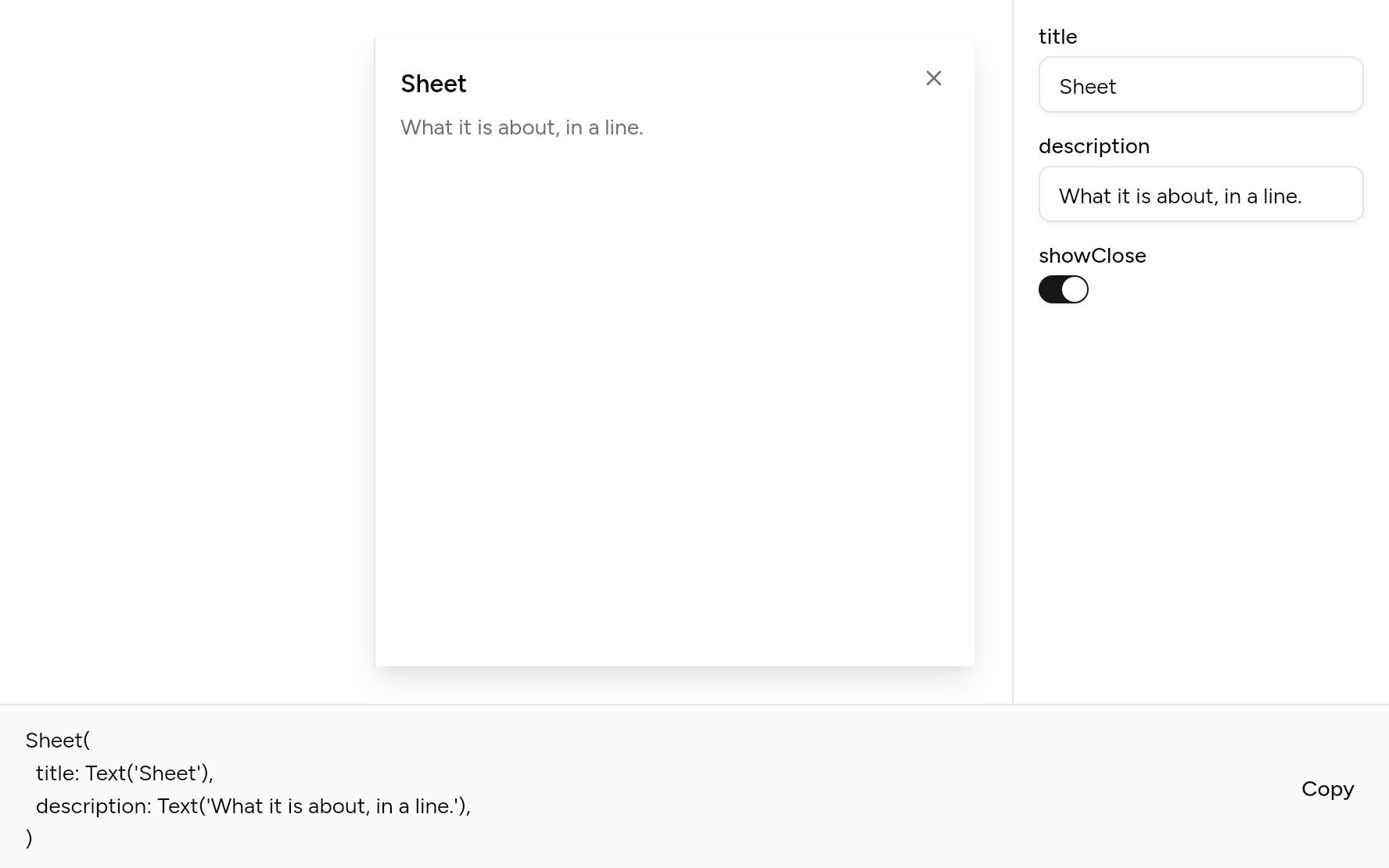
Each option its constructor takes, to change and see; the code below it is what you chose, to copy.
Add it
In your Flutter project:
ashlar add sheet
It writes theme.dart, palette.dart, group.dart, pressable.dart, button.dart and sheet.dart into lib/ui, keeping any you already have, and adds ashlar_icons to pubspec.yaml. It needs button and ashlar_icons, which come with it.
Examples
Other ways to use it, each running live, with its code.
From any side
Left, right, top or bottom.
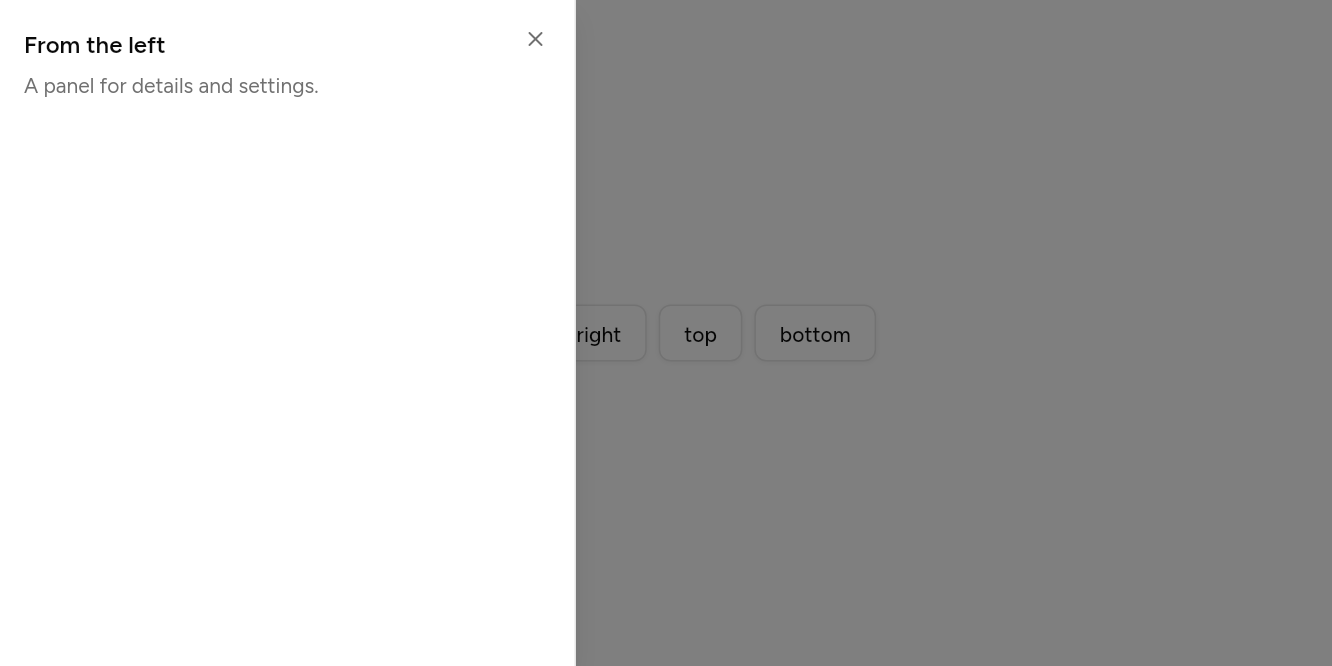
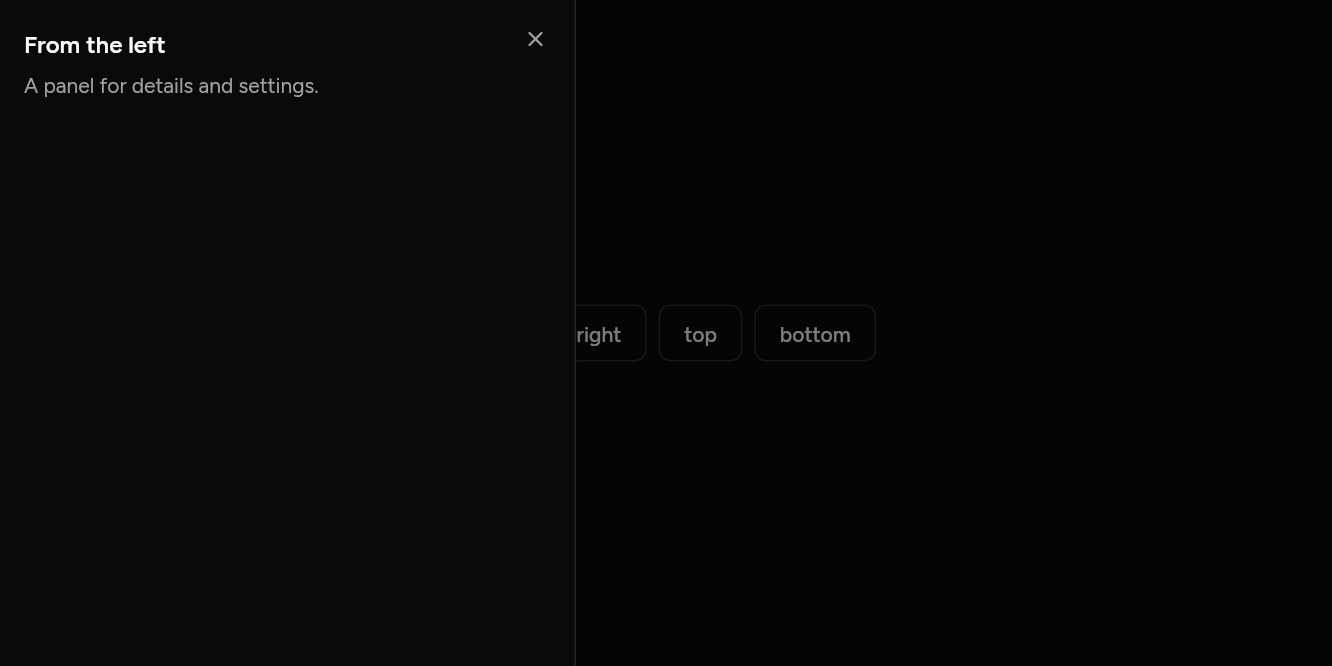
// From any side: Left, right, top or bottom.
import 'package:flutter/widgets.dart';

import 'ui/button.dart';
import 'ui/sheet.dart';

class SheetSidesExample extends StatelessWidget {
  const SheetSidesExample({super.key});

  @override
  Widget build(BuildContext context) => Builder(
    builder: (context) => Wrap(
      spacing: 8,
      children: [
        for (final side in SheetSide.values)
          Button(
            variant: ButtonVariant.outline,
            onPressed: () => showSheet<void>(
              context: context,
              side: side,
              builder: (context) => Sheet(
                title: Text('From the ${side.name}'),
                description: const Text('A panel for details and settings.'),
              ),
            ),
            child: Text(side.name),
          ),
      ],
    ),
  );
}
API
Read from the source above: each parameter with its type, its default, and what it is for.
SheetSideenum
The edge a sheet slides in from.
| Value | What it is for |
|---|---|
left | |
right | |
top | |
bottom |
showSheetfunction
Slides a panel in from an edge of the screen over a dimmed page, for settings, filters or details beside the work. A tap outside or Escape closes it, and it returns what it was closed with.
| Parameter | Type | Default | What it is for |
|---|---|---|---|
contextrequired |
BuildContext |
Where it is opened from: its theme and navigator come from here. | |
builderrequired |
WidgetBuilder |
Builds what it shows. | |
side |
SheetSide |
SheetSide.right |
The edge it slides in from. |
Sheetclass
The panel showSheet slides in: a header, its content, and a footer of actions, with a close button at the top right.
| Parameter | Type | Default | What it is for |
|---|---|---|---|
title | Widget? | The sheet's title. | |
description |
Widget? |
A line under the title. | |
content |
Widget? |
Its body, which scrolls when it is too tall. | |
footer |
List<Widget> |
const [] |
Along the bottom: usually buttons. |
width |
double |
384 |
For a left or right sheet; it is never more than three quarters of the screen. |
showClose |
bool |
true |
False leaves the close button out, when the footer has its own way out. |
Source
What lands in your app. It is yours from then on: change it as you would your own code, and ashlar add
will not write over it.
lib/ui/sheet.dart 241 lines
// Ashlar UI: Sheet. Copied into your app by `ashlar add sheet`; it is yours to change.

import 'package:ashlar_icons/ashlar_icons.dart';
import 'package:flutter/widgets.dart';

import 'button.dart';
import 'theme.dart';

/// The edge a sheet slides in from.
enum SheetSide { left, right, top, bottom }

/// Slides a panel in from an edge of the screen over a dimmed page, for settings, filters
/// or details beside the work. A tap outside or Escape closes it, and it returns what it
/// was closed with.
///
/// ```dart
/// showSheet(
///   context: context,
///   builder: (context) => Sheet(
///     title: Text('Edit profile'),
///     description: Text('Changes are saved when you press Save.'),
///     content: ProfileForm(),
///     footer: [Button(onPressed: () => Navigator.pop(context), child: Text('Save'))],
///   ),
/// );
/// ```
Future<T?> showSheet<T>({
  required BuildContext context,
  required WidgetBuilder builder,
  SheetSide side = SheetSide.right,
}) {
  final theme = AshlarTheme.of(context);
  return Navigator.of(context).push<T>(
    RawDialogRoute<T>(
      barrierDismissible: true,
      barrierLabel: 'Close',
      barrierColor: const Color(0x80000000),
      transitionDuration: const Duration(milliseconds: 300),
      pageBuilder: (context, animation, secondary) => AshlarTheme(
        data: theme,
        child: _SheetSide(
          side: side,
          child: AboveKeyboard(child: Builder(builder: builder)),
        ),
      ),
      transitionBuilder: (context, animation, secondary, child) {
        final curved = CurvedAnimation(
          parent: animation,
          curve: Curves.easeOutCubic,
          reverseCurve: Curves.easeInCubic,
        );
        final from = switch (side) {
          SheetSide.left => const Offset(-1, 0),
          SheetSide.right => const Offset(1, 0),
          SheetSide.top => const Offset(0, -1),
          SheetSide.bottom => const Offset(0, 1),
        };
        return SlideTransition(
          position: Tween(begin: from, end: Offset.zero).animate(curved),
          child: child,
        );
      },
    ),
  );
}

/// Which edge the panel is on, for [Sheet] to lay itself out against.
class _SheetSide extends InheritedWidget {
  const _SheetSide({required this.side, required super.child});

  final SheetSide side;

  @override
  bool updateShouldNotify(_SheetSide old) => old.side != side;
}

/// The panel [showSheet] slides in: a header, its [content], and a [footer] of actions,
/// with a close button at the top right.
class Sheet extends StatelessWidget {
  const Sheet({
    super.key,
    this.title,
    this.description,
    this.content,
    this.footer = const [],
    this.width = 384,
    this.showClose = true,
  });

  /// The sheet's title.
  final Widget? title;

  /// A line under the title.
  final Widget? description;

  /// Its body, which scrolls when it is too tall.
  final Widget? content;

  /// Along the bottom: usually buttons.
  final List<Widget> footer;

  /// For a left or right sheet; it is never more than three quarters of the screen.
  final double width;

  /// False leaves the close button out, when the footer has its own way out.
  final bool showClose;

  @override
  Widget build(BuildContext context) {
    final t = AshlarTheme.of(context);
    final c = t.colors;
    final side =
        context.dependOnInheritedWidgetOfExactType<_SheetSide>()?.side ??
        SheetSide.right;
    final vertical = side == SheetSide.left || side == SheetSide.right;
    final screen = MediaQuery.sizeOf(context);
    final edge = BorderSide(color: c.border);
    final panel = Container(
      width: vertical
          ? (width < screen.width * .75 ? width : screen.width * .75)
          : double.infinity,
      height: vertical ? double.infinity : null,
      decoration: BoxDecoration(
        color: c.background,
        boxShadow: t.shadowLg,
        border: Border(
          left: side == SheetSide.right ? edge : BorderSide.none,
          right: side == SheetSide.left ? edge : BorderSide.none,
          top: side == SheetSide.bottom ? edge : BorderSide.none,
          bottom: side == SheetSide.top ? edge : BorderSide.none,
        ),
      ),
      child: SafeArea(
        left: side != SheetSide.right,
        right: side != SheetSide.left,
        top: side != SheetSide.bottom,
        bottom: side != SheetSide.top,
        child: DefaultTextStyle(
          style: t.text.sm.copyWith(color: c.foreground),
          child: Stack(
            children: [
              Column(
                mainAxisSize: vertical ? MainAxisSize.max : MainAxisSize.min,
                crossAxisAlignment: CrossAxisAlignment.stretch,
                children: [
                  Padding(
                    padding: const EdgeInsetsDirectional.fromSTEB(
                      16,
                      16,
                      48,
                      16,
                    ),
                    child: Column(
                      crossAxisAlignment: CrossAxisAlignment.start,
                      children: [
                        if (title != null)
                          Semantics(
                            header: true,
                            child: DefaultTextStyle.merge(
                              style: t.text.base.copyWith(
                                fontWeight: FontWeight.w600,
                                color: c.foreground,
                              ),
                              child: title!,
                            ),
                          ),
                        if (description != null) ...[
                          const SizedBox(height: 6),
                          DefaultTextStyle.merge(
                            style: TextStyle(color: c.mutedForeground),
                            child: description!,
                          ),
                        ],
                      ],
                    ),
                  ),
                  if (content != null)
                    vertical
                        ? Expanded(
                            child: SingleChildScrollView(
                              padding: const EdgeInsets.symmetric(
                                horizontal: 16,
                              ),
                              child: content,
                            ),
                          )
                        : Padding(
                            padding: const EdgeInsets.symmetric(horizontal: 16),
                            child: content,
                          ),
                  if (footer.isNotEmpty)
                    Padding(
                      padding: const EdgeInsets.all(16),
                      child: Column(
                        crossAxisAlignment: CrossAxisAlignment.stretch,
                        children: [
                          for (final (i, f) in footer.indexed) ...[
                            if (i > 0) const SizedBox(height: 8),
                            f,
                          ],
                        ],
                      ),
                    ),
                ],
              ),
              if (showClose)
                PositionedDirectional(
                  top: 8,
                  end: 8,
                  child: Button(
                    variant: ButtonVariant.ghost,
                    size: ButtonSize.icon,
                    semanticLabel: 'Close',
                    onPressed: () => Navigator.maybePop(context),
                    child: AshlarIcon(
                      AshlarIconsRoundedStroke.x,
                      color: c.mutedForeground,
                    ),
                  ),
                ),
            ],
          ),
        ),
      ),
    );
    return Align(
      alignment: switch (side) {
        SheetSide.left => Alignment.centerLeft,
        SheetSide.right => Alignment.centerRight,
        SheetSide.top => Alignment.topCenter,
        SheetSide.bottom => Alignment.bottomCenter,
      },
      child: Semantics(
        scopesRoute: true,
        namesRoute: true,
        explicitChildNodes: true,
        child: panel,
      ),
    );
  }
}