

Scroll Area
Scrolling with a thin themed scrollbar; a builder for long lists.
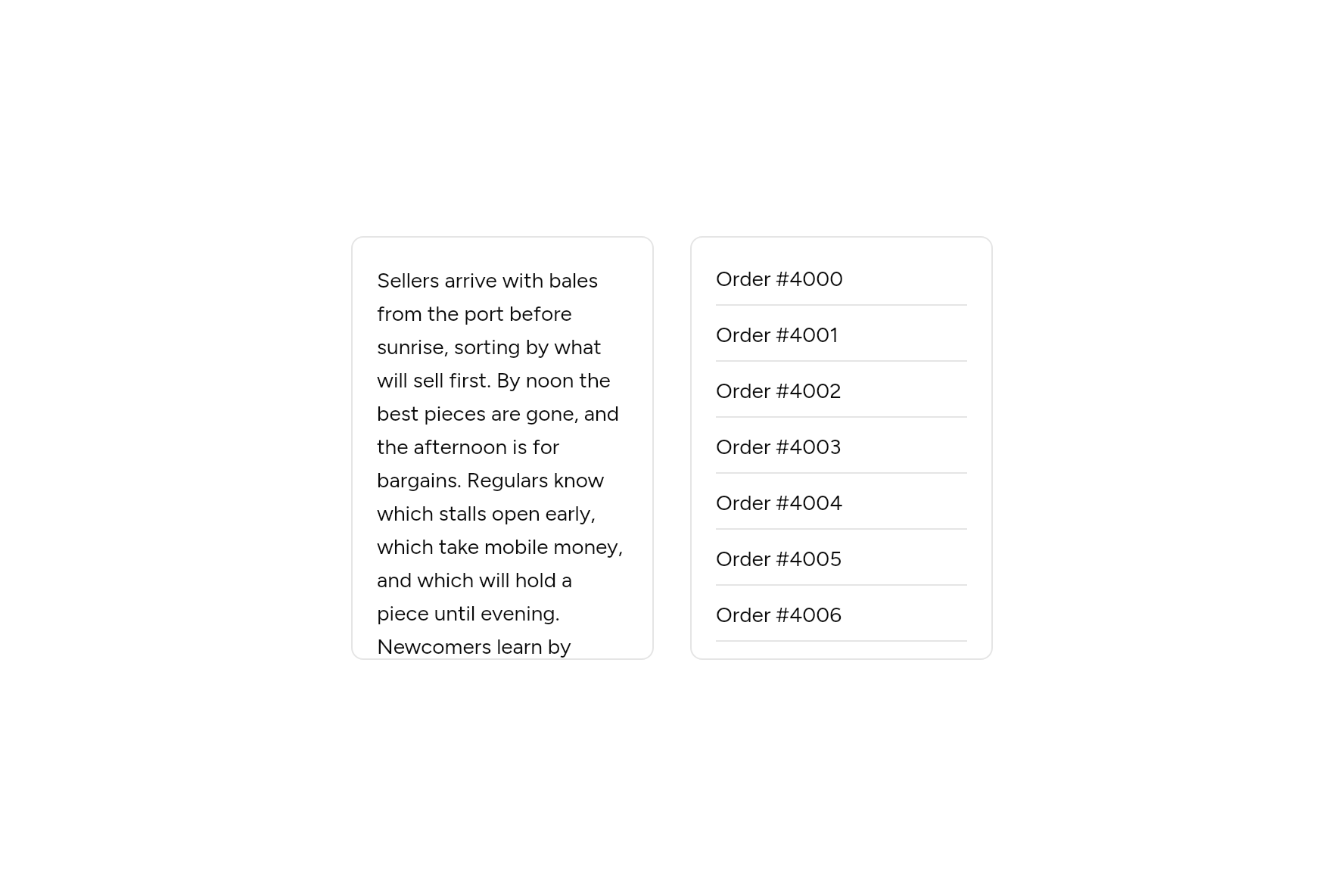
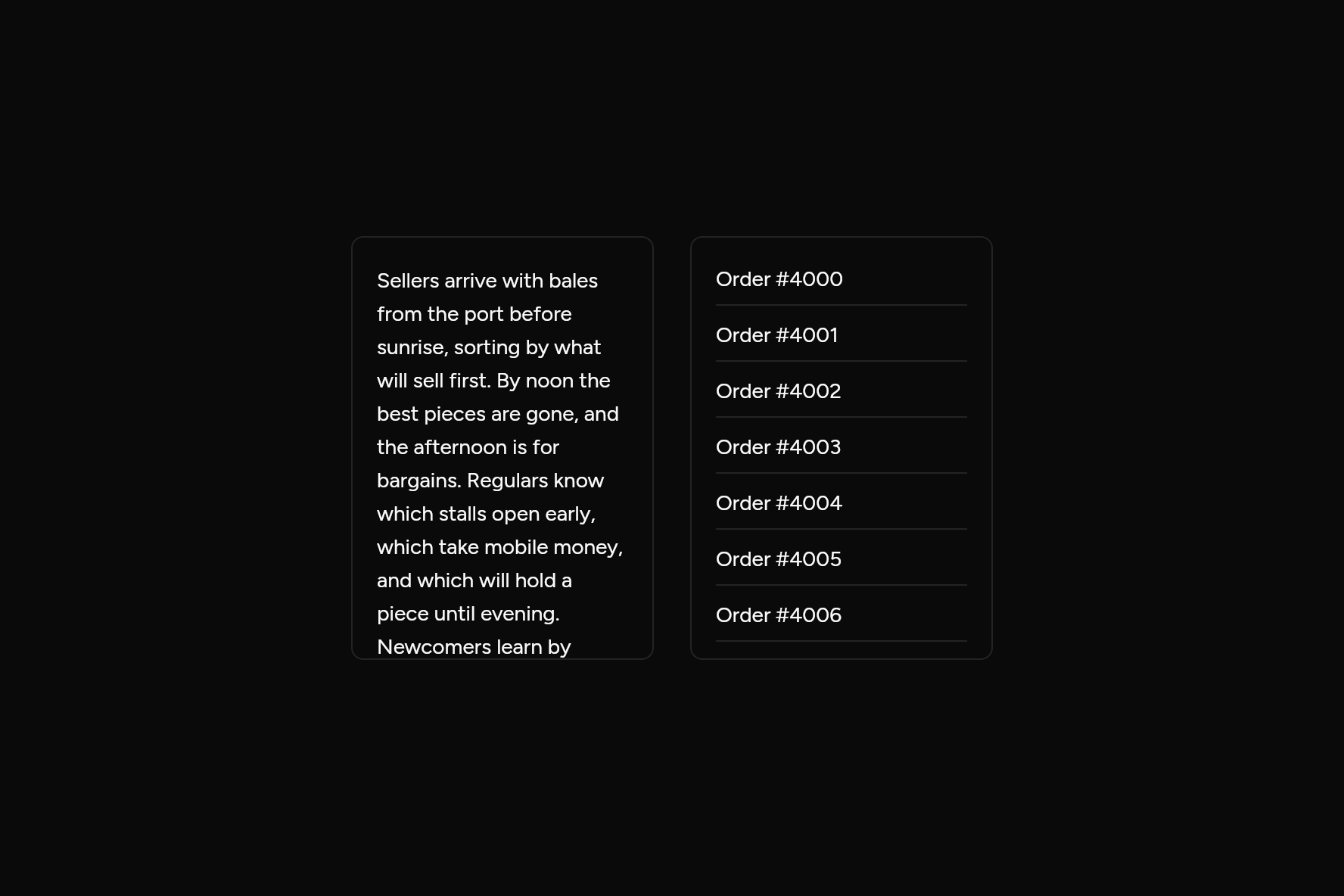
import 'package:flutter/widgets.dart';

import 'ui/scroll_area.dart';
import 'ui/separator.dart';
import 'ui/theme.dart';

class ScrollAreaDemo extends StatelessWidget {
  const ScrollAreaDemo({super.key});

  @override
  Widget build(BuildContext context) {
    final t = AshlarTheme.of(context);
    BoxDecoration frame() => BoxDecoration(
      border: Border.all(color: t.colors.border),
      borderRadius: BorderRadius.circular(t.radiusMd),
    );
    return Row(
      mainAxisSize: MainAxisSize.min,
      children: [
        // Short content: a child, built at once.
        Container(
          width: 200,
          height: 280,
          decoration: frame(),
          child: ScrollArea(
            padding: const EdgeInsets.all(16),
            child: Text(
              'Sellers arrive with bales from the port before sunrise, sorting by what will '
              'sell first. By noon the best pieces are gone, and the afternoon is for '
              'bargains. Regulars know which stalls open early, which take mobile money, and '
              'which will hold a piece until evening. Newcomers learn by losing a good coat '
              'to someone who came an hour sooner.',
              style: t.text.sm.copyWith(height: 22 / 14),
            ),
          ),
        ),
        const SizedBox(width: 24),
        // A long list: built a row at a time as it scrolls into view.
        Container(
          width: 200,
          height: 280,
          decoration: frame(),
          child: ScrollArea.builder(
            padding: const EdgeInsets.symmetric(horizontal: 16, vertical: 8),
            itemCount: 1000,
            itemExtent: 37,
            itemBuilder: (context, i) => Column(
              crossAxisAlignment: CrossAxisAlignment.stretch,
              children: [
                const Spacer(),
                Text('Order #${4000 + i}'),
                const Spacer(),
                const Separator(),
              ],
            ),
          ),
        ),
      ],
    );
  }
}
Add it
In your Flutter project:
ashlar add scroll-area
It writes theme.dart, palette.dart and scroll_area.dart into lib/ui, keeping any you already have.
Examples
Other ways to use it, each running live, with its code.
Sideways
A row of cards wider than the room.
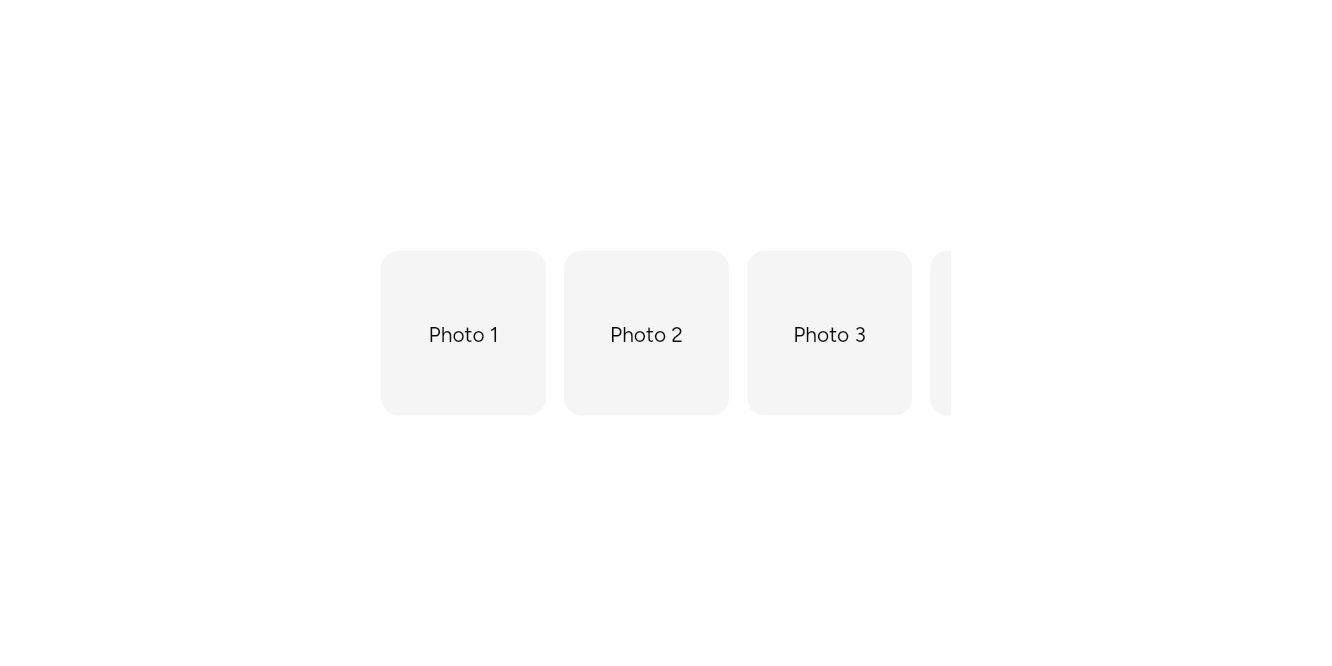
// Sideways: A row of cards wider than the room.
import 'package:flutter/widgets.dart';

import 'ui/scroll_area.dart';
import 'ui/theme.dart';

class ScrollAreaHorizontalExample extends StatelessWidget {
  const ScrollAreaHorizontalExample({super.key});

  @override
  Widget build(BuildContext context) => SizedBox(
    width: 380,
    height: 140,
    child: ScrollArea(
      axis: Axis.horizontal,
      child: Builder(
        builder: (context) => Row(
          children: [
            for (var i = 1; i <= 8; i++)
              Container(
                width: 110,
                height: 110,
                margin: const EdgeInsetsDirectional.only(end: 12),
                alignment: Alignment.center,
                decoration: BoxDecoration(
                  color: AshlarTheme.of(context).colors.muted,
                  borderRadius: BorderRadius.circular(12),
                ),
                child: Text('Photo $i'),
              ),
          ],
        ),
      ),
    ),
  );
}
A long list
Ten thousand rows, built as they scroll.
// A long list: Ten thousand rows, built as they scroll.
import 'package:flutter/widgets.dart';

import 'ui/scroll_area.dart';
import 'ui/theme.dart';

class ScrollAreaLongExample extends StatelessWidget {
  const ScrollAreaLongExample({super.key});

  @override
  Widget build(BuildContext context) => SizedBox(
    width: 260,
    height: 220,
    child: ScrollArea.builder(
      itemCount: 10000,
      // Rows of one height scroll fastest; grown with large text so none is cut off.
      itemExtent: grownHeight(context, 32),
      itemBuilder: (context, i) => Align(alignment: AlignmentDirectional.centerStart, child: Text('Row ${i + 1}')),
    ),
  );
}
API
Read from the source above: each parameter with its type, its default, and what it is for.
ScrollAreaclass
Scrolls child with a thin scrollbar in the theme's colours, shown while the pointer is over it and while it scrolls, in place of the platform's.
With child, everything in it is built at once: right for a page or a short list. For a long list use ScrollArea.builder, which builds only the rows on screen.
ScrollArea(…)
| Parameter | Type | Default | What it is for |
|---|---|---|---|
childrequired |
Widget |
What scrolls. | |
axis |
Axis |
Axis.vertical |
Horizontal lays it out across; vertical, down. |
controller |
ScrollController? |
Its scroll position, to read or move from outside. | |
padding |
EdgeInsetsGeometry? |
Room around the content, inside the scrolling. |
ScrollArea.builder(…)
| Parameter | Type | Default | What it is for |
|---|---|---|---|
itemCountrequired |
int |
How many items there are, for a list built as it scrolls. | |
itemBuilderrequired |
IndexedWidgetBuilder |
Builds an item, by its number. | |
itemExtent |
double? |
Each item's height, when they are all the same: faster to scroll. | |
axis |
Axis |
Axis.vertical |
Horizontal lays it out across; vertical, down. |
controller |
ScrollController? |
Its scroll position, to read or move from outside. | |
padding |
EdgeInsetsGeometry? |
Room around the content, inside the scrolling. |
Source
What lands in your app. It is yours from then on: change it as you would your own code, and ashlar add
will not write over it.
lib/ui/scroll_area.dart 119 lines
// Ashlar UI: Scroll Area. Copied into your app by `ashlar add scroll-area`; it is yours to
// change.

import 'package:flutter/widgets.dart';

import 'theme.dart';

/// Scrolls [child] with a thin scrollbar in the theme's colours, shown while the pointer
/// is over it and while it scrolls, in place of the platform's.
///
/// With [child], everything in it is built at once: right for a page or a short list.
/// For a long list use [ScrollArea.builder], which builds only the rows on screen.
///
/// ```dart
/// SizedBox(height: 300, child: ScrollArea(child: Column(children: tags)))
/// ```
class ScrollArea extends StatefulWidget {
  const ScrollArea({
    super.key,
    required Widget this.child,
    this.axis = Axis.vertical,
    this.controller,
    this.padding,
  }) : itemCount = null,
       itemBuilder = null,
       itemExtent = null;

  /// A long list, built a row at a time as it scrolls into view: only what is on screen
  /// exists. Use it for anything that can run to hundreds of rows. [itemExtent], when
  /// every row is one height, makes scrolling a long way cheaper still.
  ///
  /// ```dart
  /// ScrollArea.builder(itemCount: orders.length, itemExtent: 40, itemBuilder: (context, i) => OrderRow(orders[i]))
  /// ```
  const ScrollArea.builder({
    super.key,
    required int this.itemCount,
    required IndexedWidgetBuilder this.itemBuilder,
    this.itemExtent,
    this.axis = Axis.vertical,
    this.controller,
    this.padding,
  }) : child = null;

  /// What scrolls.
  final Widget? child;

  /// How many items there are, for a list built as it scrolls.
  final int? itemCount;

  /// Builds an item, by its number.
  final IndexedWidgetBuilder? itemBuilder;

  /// Each item's height, when they are all the same: faster to scroll.
  final double? itemExtent;

  /// Horizontal lays it out across; vertical, down.
  final Axis axis;

  /// Its scroll position, to read or move from outside.
  final ScrollController? controller;

  /// Room around the content, inside the scrolling.
  final EdgeInsetsGeometry? padding;

  @override
  State<ScrollArea> createState() => _ScrollAreaState();
}

class _ScrollAreaState extends State<ScrollArea> {
  ScrollController? _own;
  ScrollController get _controller =>
      widget.controller ?? (_own ??= ScrollController());
  bool _hovered = false;

  @override
  void dispose() {
    _own?.dispose();
    super.dispose();
  }

  @override
  Widget build(BuildContext context) {
    final c = AshlarTheme.of(context).colors;
    return MouseRegion(
      onEnter: (_) => setState(() => _hovered = true),
      onExit: (_) => setState(() => _hovered = false),
      child: ScrollConfiguration(
        // The platform's own scrollbar is replaced by the one below.
        behavior: ScrollConfiguration.of(context).copyWith(scrollbars: false),
        child: RawScrollbar(
          controller: _controller,
          thumbVisibility: _hovered,
          thumbColor: c.border,
          thickness: 8,
          radius: const Radius.circular(4),
          crossAxisMargin: 1,
          mainAxisMargin: 1,
          interactive: true,
          child: widget.itemBuilder == null
              ? SingleChildScrollView(
                  controller: _controller,
                  scrollDirection: widget.axis,
                  padding: widget.padding,
                  child: widget.child,
                )
              : ListView.builder(
                  controller: _controller,
                  scrollDirection: widget.axis,
                  padding: widget.padding,
                  itemCount: widget.itemCount,
                  itemExtent: widget.itemExtent,
                  itemBuilder: widget.itemBuilder!,
                ),
        ),
      ),
    );
  }
}