

Menubar
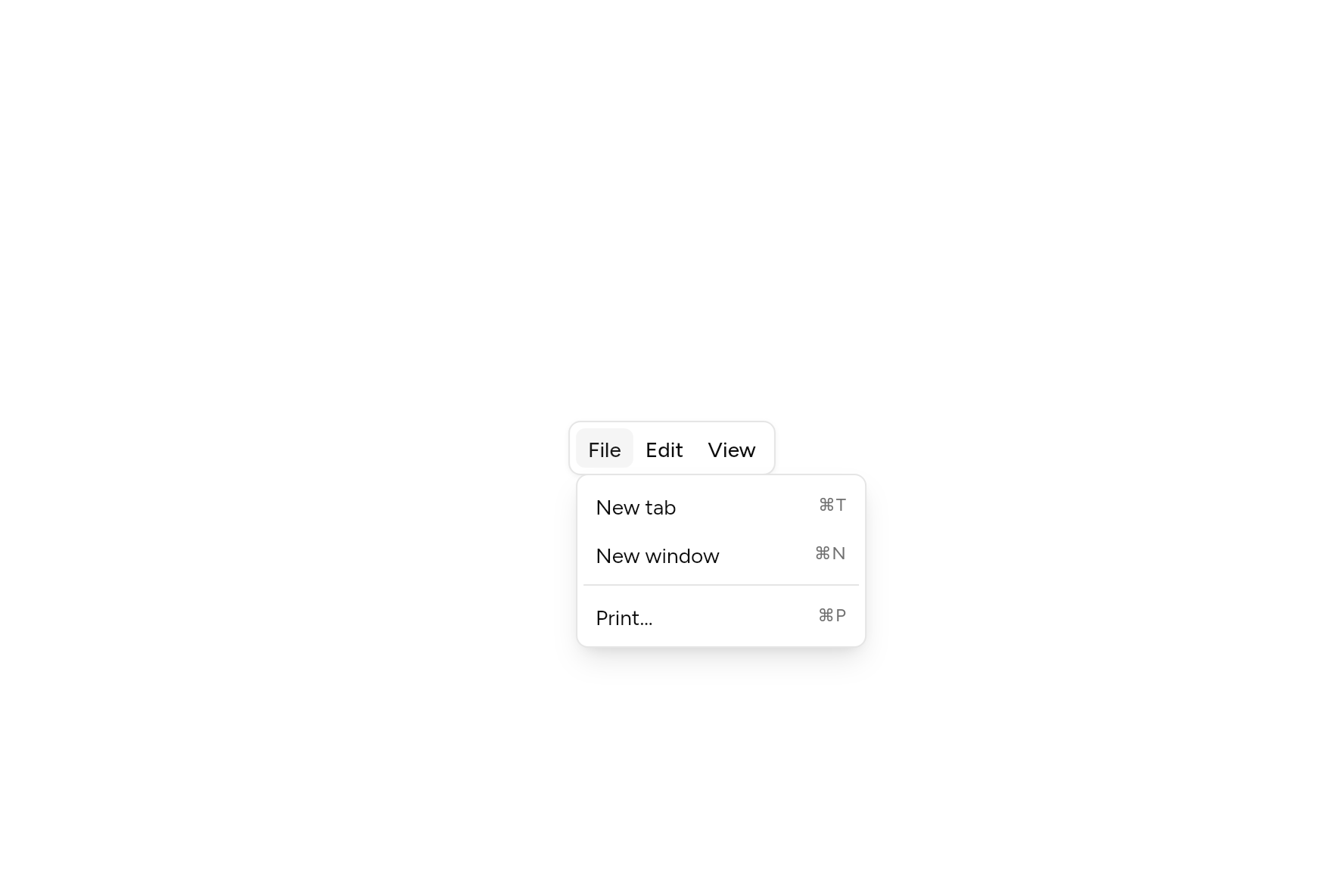
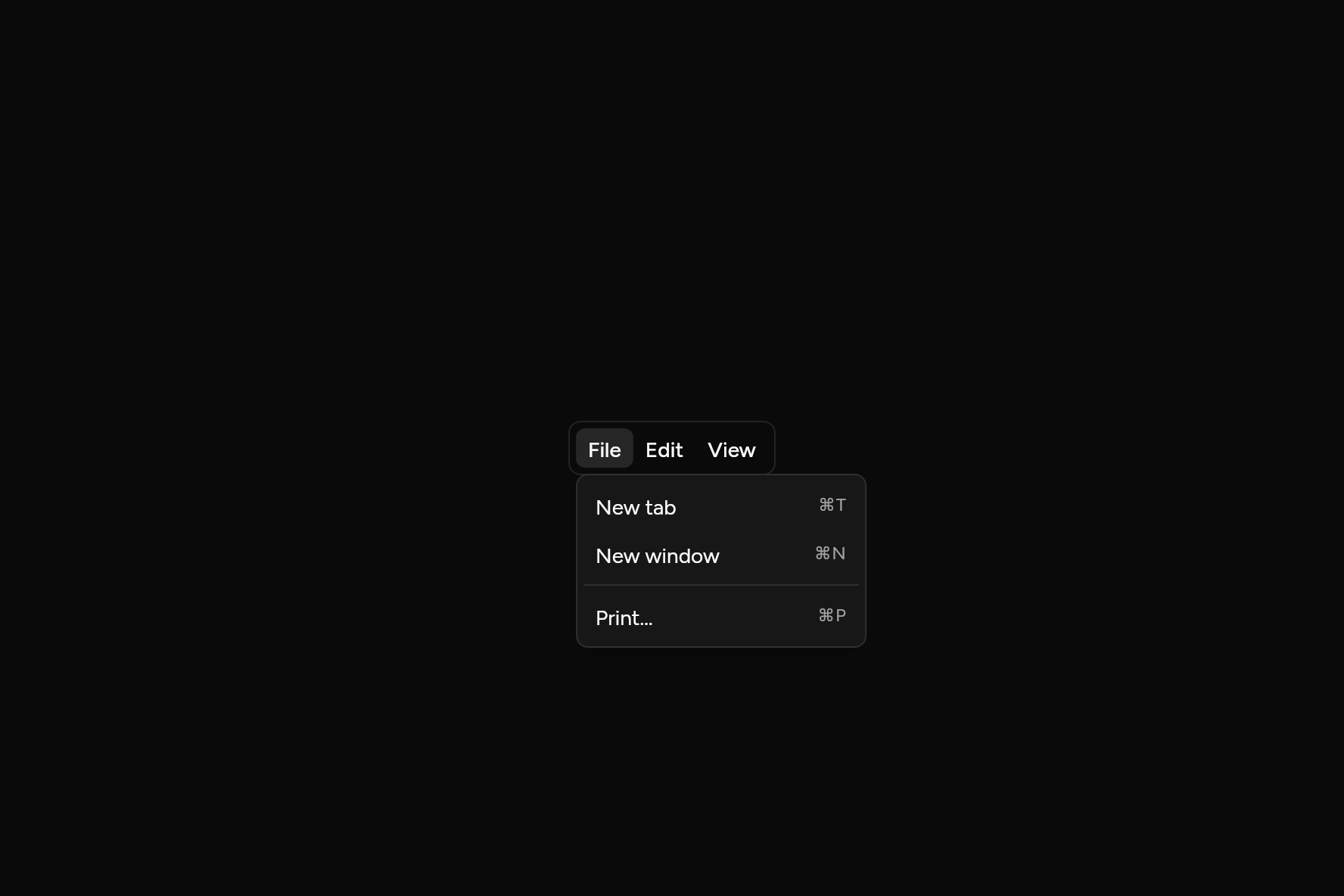
A bar of menus, as at the top of a desktop app.
import 'package:flutter/widgets.dart';

import 'ui/dropdown_menu.dart';
import 'ui/menubar.dart';

class MenubarDemo extends StatelessWidget {
  const MenubarDemo({super.key});

  @override
  Widget build(BuildContext context) => Menubar(
    menus: [
      MenubarMenu(
        'File',
        items: [
          MenuItem(shortcut: const Text('⌘T'), onPressed: () {}, child: const Text('New tab')),
          MenuItem(shortcut: const Text('⌘N'), onPressed: () {}, child: const Text('New window')),
          const MenuSeparator(),
          MenuItem(shortcut: const Text('⌘P'), onPressed: () {}, child: const Text('Print…')),
        ],
      ),
      MenubarMenu(
        'Edit',
        items: [
          MenuItem(shortcut: const Text('⌘Z'), onPressed: () {}, child: const Text('Undo')),
          MenuItem(shortcut: const Text('⇧⌘Z'), onPressed: () {}, child: const Text('Redo')),
          const MenuSeparator(),
          MenuItem(onPressed: () {}, child: const Text('Find…')),
        ],
      ),
      MenubarMenu(
        'View',
        items: [
          MenuItem(onPressed: () {}, child: const Text('Reload')),
          MenuItem(onPressed: () {}, child: const Text('Full screen')),
        ],
      ),
    ],
  );
}
Add it
In your Flutter project:
ashlar add menubar
It writes theme.dart, palette.dart, group.dart, pressable.dart, popover.dart, dropdown_menu.dart and menubar.dart into lib/ui, keeping any you already have. It needs pressable, popover and dropdown-menu, which come with it.
Examples
Other ways to use it, each running live, with its code.
An app's menus
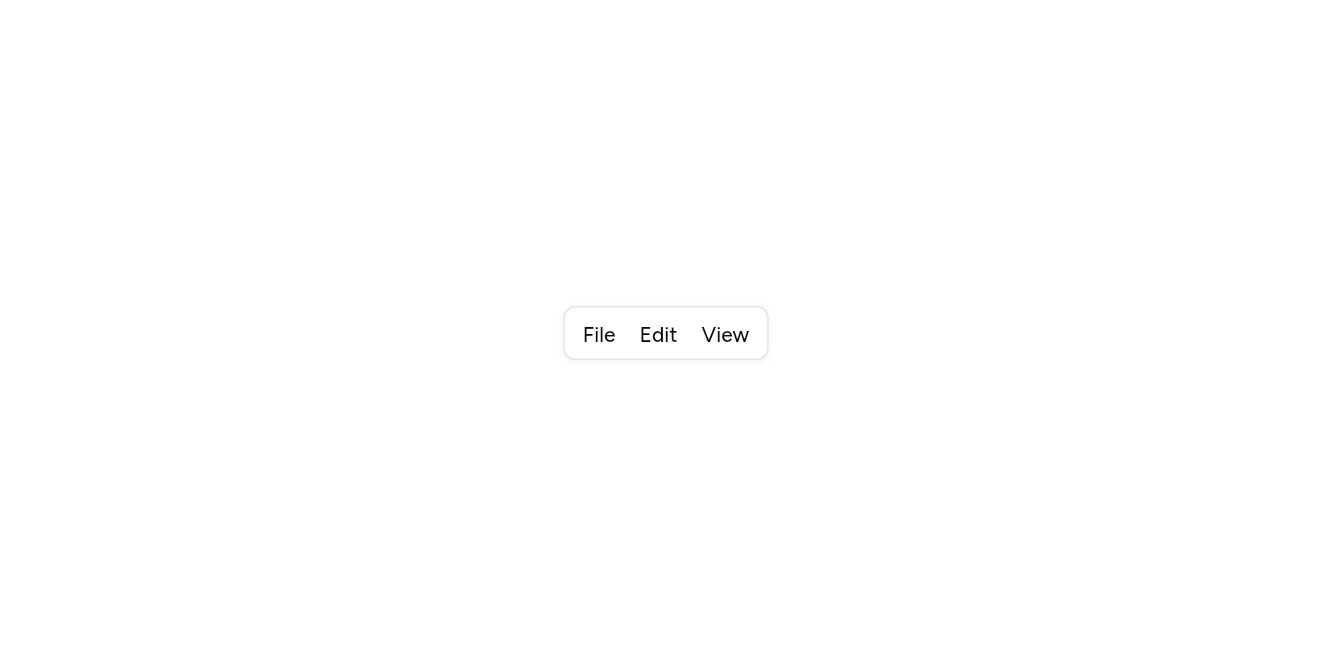
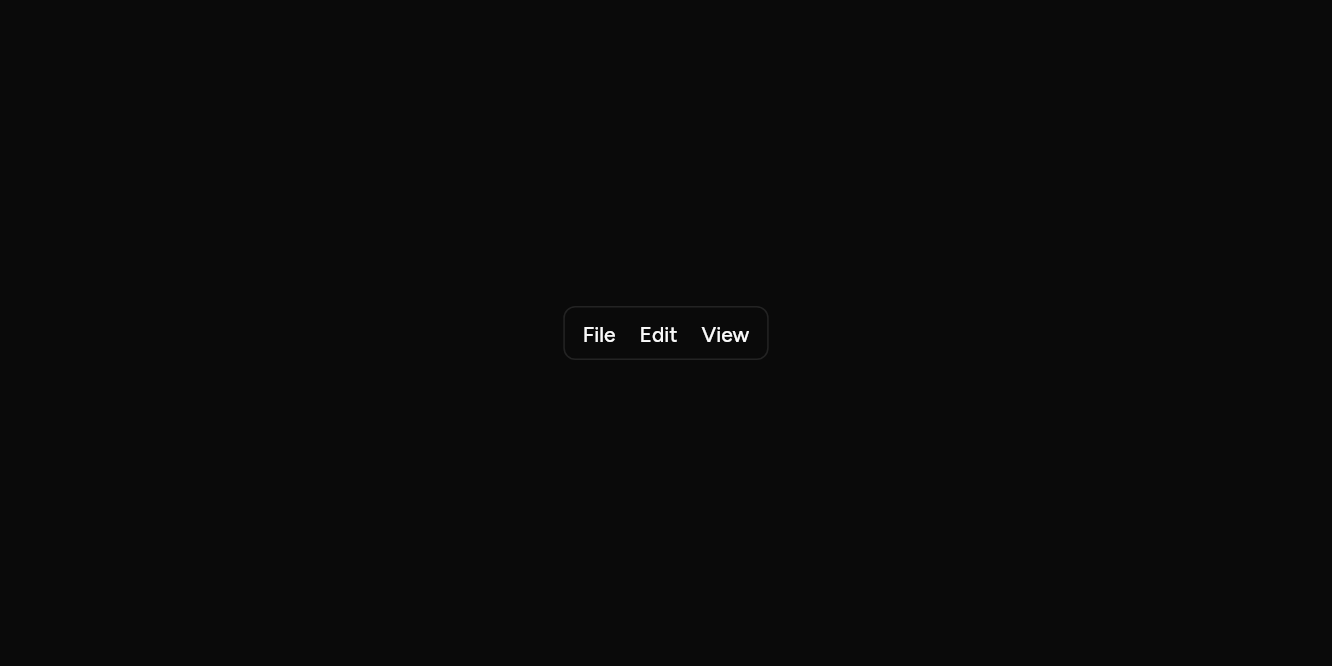
File, Edit and View, with shortcuts and checks.
// An app's menus: File, Edit and View, with shortcuts and checks.
import 'package:flutter/widgets.dart';

import 'ui/dropdown_menu.dart';
import 'ui/menubar.dart';

class MenubarAppExample extends StatelessWidget {
  const MenubarAppExample({super.key});

  @override
  Widget build(BuildContext context) => Menubar(
    menus: [
      MenubarMenu(
        'File',
        items: [
          MenuItem(onPressed: () {}, shortcut: const Text('⌘N'), child: const Text('New tab')),
          MenuItem(onPressed: () {}, shortcut: const Text('⌘P'), child: const Text('Print…')),
        ],
      ),
      MenubarMenu(
        'Edit',
        items: [
          MenuItem(onPressed: () {}, shortcut: const Text('⌘Z'), child: const Text('Undo')),
          MenuItem(onPressed: () {}, shortcut: const Text('⇧⌘Z'), child: const Text('Redo')),
        ],
      ),
      MenubarMenu(
        'View',
        items: [
          MenuCheckboxItem(checked: true, onChanged: (_) {}, child: const Text('Always show the bookmarks bar')),
        ],
      ),
    ],
  );
}
API
Read from the source above: each parameter with its type, its default, and what it is for.
MenubarMenuclass
One menu on a Menubar: its name on the bar and its items.
| Parameter | Type | Default | What it is for |
|---|---|---|---|
labelpositional |
String |
The menu's name in the bar. | |
itemsrequired |
List<Widget> |
MenuItem, MenuLabel and MenuSeparator, in order. |
Menubarclass
A bar of menus, as at the top of a desktop app. Once one menu is open, pointing at another opens that one instead, and the left and right arrows move between them.
| Parameter | Type | Default | What it is for |
|---|---|---|---|
menusrequired |
List<MenubarMenu> |
The menus, in order along the bar. |
Source
What lands in your app. It is yours from then on: change it as you would your own code, and ashlar add
will not write over it.
lib/ui/menubar.dart 176 lines
// Ashlar UI: Menubar. Copied into your app by `ashlar add menubar`; it is yours to change.

import 'dart:ui' show SemanticsRole;

import 'package:flutter/services.dart';
import 'package:flutter/widgets.dart';

import 'dropdown_menu.dart';
import 'popover.dart';
import 'pressable.dart';
import 'theme.dart';

/// One menu on a [Menubar]: its name on the bar and its items.
@immutable
class MenubarMenu {
  const MenubarMenu(this.label, {required this.items});

  /// The menu's name in the bar.
  final String label;

  /// [MenuItem], [MenuLabel] and [MenuSeparator], in order.
  final List<Widget> items;
}

/// A bar of menus, as at the top of a desktop app. Once one menu is open, pointing at
/// another opens that one instead, and the left and right arrows move between them.
///
/// ```dart
/// Menubar(menus: [
///   MenubarMenu('File', items: [MenuItem(shortcut: Text('⌘N'), onPressed: newFile, child: Text('New')), ...]),
///   MenubarMenu('Edit', items: [MenuItem(shortcut: Text('⌘Z'), onPressed: undo, child: Text('Undo')), ...]),
/// ])
/// ```
class Menubar extends StatefulWidget {
  const Menubar({super.key, required this.menus});

  /// The menus, in order along the bar.
  final List<MenubarMenu> menus;

  @override
  State<Menubar> createState() => _MenubarState();
}

class _MenubarState extends State<Menubar> {
  late final _menus = [for (final _ in widget.menus) MenuController()];
  late final _focus = [for (final _ in widget.menus) FocusNode()];
  int? _open;

  @override
  void dispose() {
    for (final f in _focus) {
      f.dispose();
    }
    super.dispose();
  }

  void _show(int i) {
    for (final (j, m) in _menus.indexed) {
      if (j != i && m.isOpen) m.close();
    }
    _menus[i].open();
    _focus[i].requestFocus();
  }

  /// Moves [by] menus along the bar: the arrow keys, which swap in right-to-left text.
  void _step(int by) {
    if (isRtl(context)) by = -by;
    _show(
      (((_open ?? 0) + by) % _menus.length + _menus.length) % _menus.length,
    );
  }

  @override
  Widget build(BuildContext context) {
    final t = AshlarTheme.of(context);
    final c = t.colors;
    return Semantics(
      role: SemanticsRole.menuBar,
      container: true,
      explicitChildNodes: true,
      child: Container(
        // As tall as it is drawn, or taller when larger text needs it.
        height: grownHeight(context, t.control(36)),
        padding: const EdgeInsets.all(4),
        decoration: BoxDecoration(
          color: c.background,
          borderRadius: BorderRadius.circular(t.radiusMd),
          border: Border.all(color: c.border),
          boxShadow: t.shadowXs,
        ),
        child: CallbackShortcuts(
          bindings: {
            const SingleActivator(LogicalKeyboardKey.arrowRight): () =>
                _step(1),
            const SingleActivator(LogicalKeyboardKey.arrowLeft): () =>
                _step(-1),
          },
          child: Row(
            mainAxisSize: MainAxisSize.min,
            children: [
              for (final (i, menu) in widget.menus.indexed)
                RawMenuAnchor(
                  controller: _menus[i],
                  childFocusNode: _focus[i],
                  onOpen: () => setState(() => _open = i),
                  onClose: () =>
                      setState(() => _open = _open == i ? null : _open),
                  overlayBuilder: (context, info) => PopoverPanel(
                    info: info,
                    minWidth: 192,
                    // The arrows reach the next menu from inside this one too.
                    child: CallbackShortcuts(
                      bindings: {
                        const SingleActivator(
                          LogicalKeyboardKey.arrowRight,
                        ): () =>
                            _step(1),
                        const SingleActivator(
                          LogicalKeyboardKey.arrowLeft,
                        ): () =>
                            _step(-1),
                      },
                      child: MenuList(children: menu.items),
                    ),
                  ),
                  // Inside the anchor: its own arrow keys would otherwise move focus first.
                  child: CallbackShortcuts(
                    bindings: {
                      const SingleActivator(
                        LogicalKeyboardKey.arrowRight,
                      ): () =>
                          _step(1),
                      const SingleActivator(LogicalKeyboardKey.arrowLeft): () =>
                          _step(-1),
                    },
                    child: MouseRegion(
                      onEnter: (_) {
                        if (_open != null && _open != i) _show(i);
                      },
                      child: Pressable(
                        focusNode: _focus[i],
                        role: SemanticsRole.menuItem,
                        expanded: _open == i,
                        onPressed: () =>
                            _open == i ? _menus[i].close() : _show(i),
                        builder: (context, state) => AnimatedContainer(
                          duration: t.duration,
                          padding: const EdgeInsets.symmetric(horizontal: 8),
                          alignment: Alignment.center,
                          decoration: BoxDecoration(
                            color: _open == i || state.hovered || state.focused
                                ? c.accent
                                : c.accent.withValues(alpha: 0),
                            borderRadius: BorderRadius.circular(t.radiusSm),
                          ),
                          child: Text(
                            menu.label,
                            style: t.text.sm.copyWith(
                              fontWeight: FontWeight.w500,
                              color: _open == i || state.hovered
                                  ? c.accentForeground
                                  : c.foreground,
                            ),
                          ),
                        ),
                      ),
                    ),
                  ),
                ),
            ],
          ),
        ),
      ),
    );
  }
}