

Context Menu
A menu that opens where something is right-clicked or long-pressed.
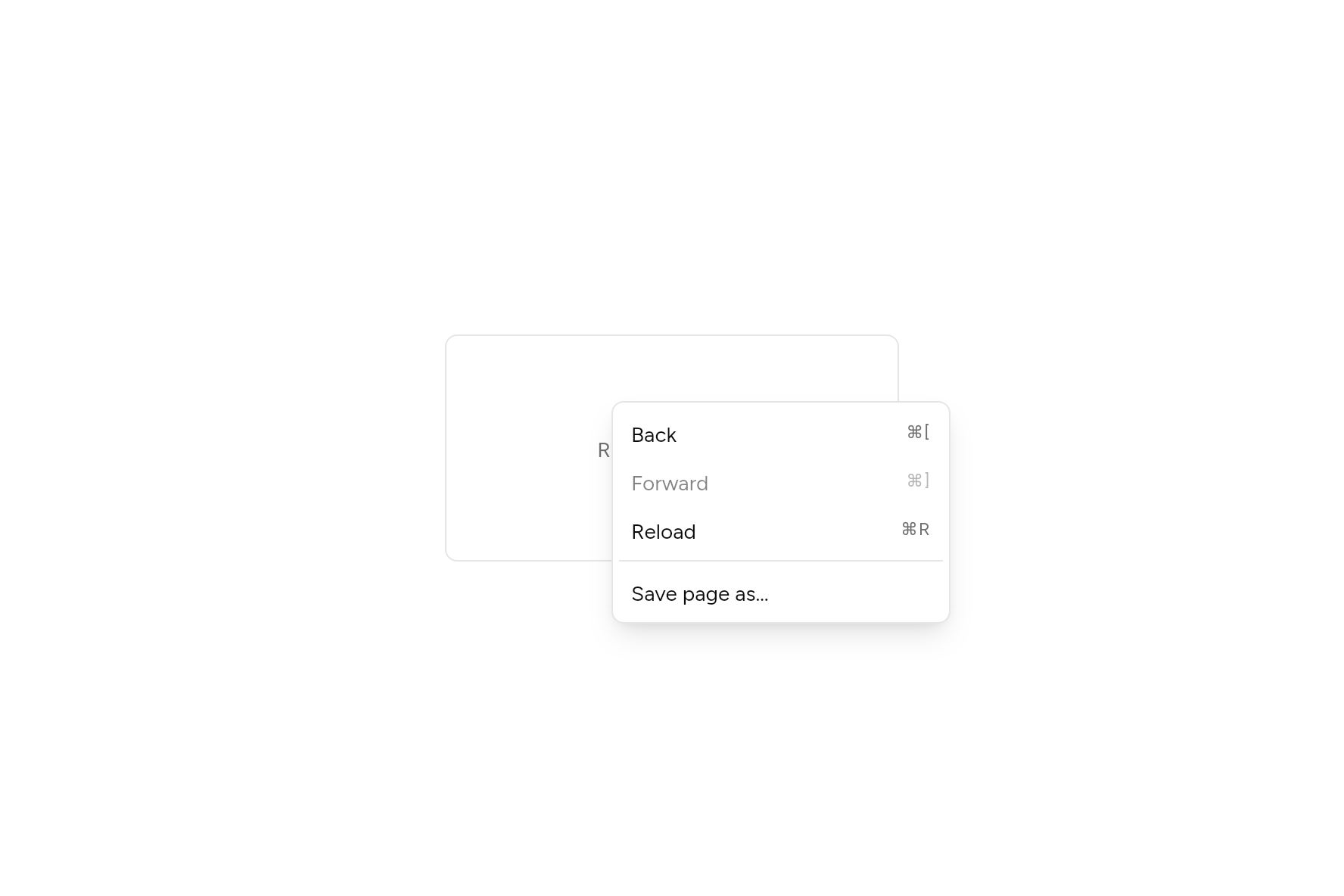
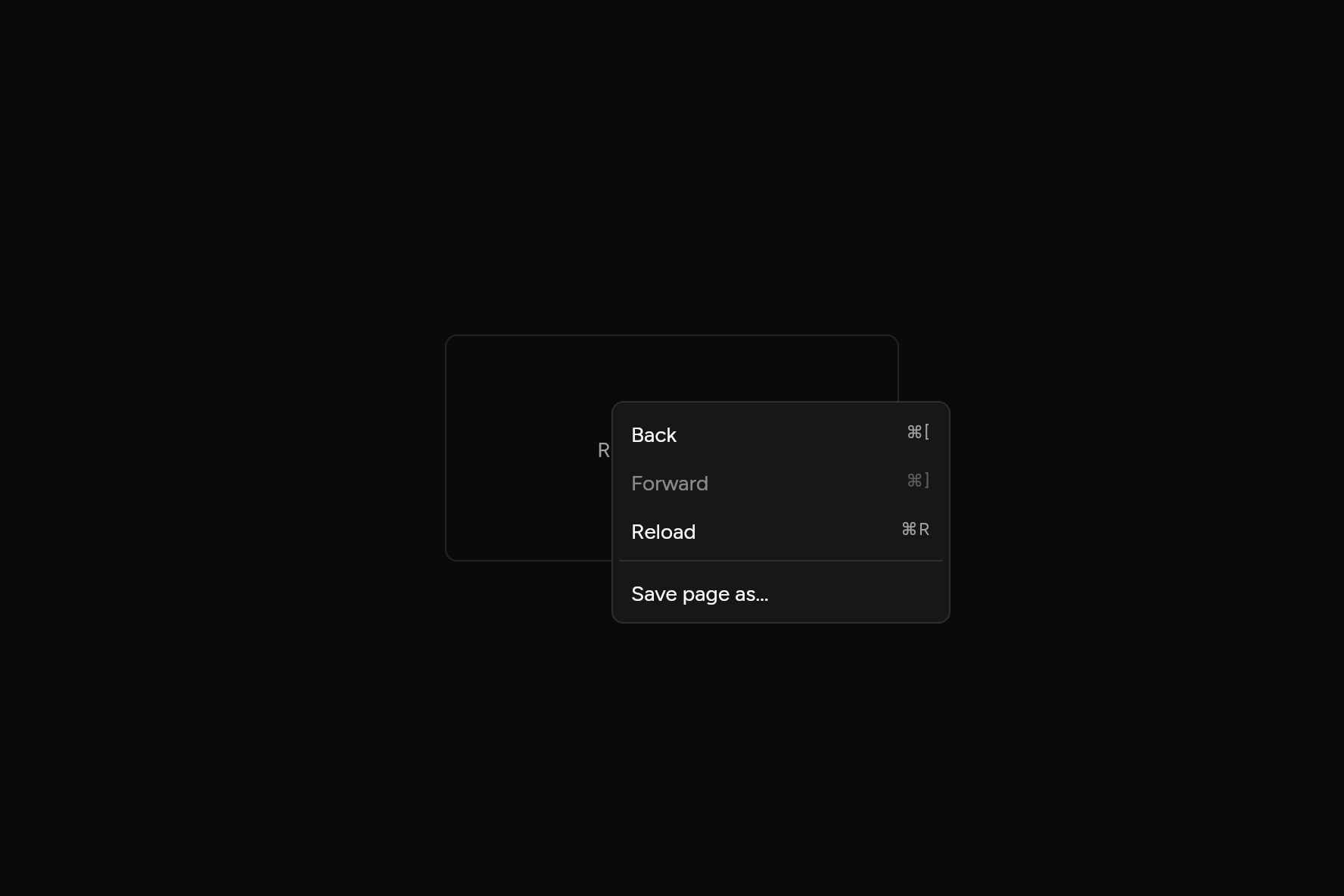
import 'package:flutter/widgets.dart';

import 'ui/context_menu.dart';
import 'ui/dropdown_menu.dart';
import 'ui/theme.dart';

class ContextMenuDemo extends StatelessWidget {
  const ContextMenuDemo({super.key});

  @override
  Widget build(BuildContext context) {
    final t = AshlarTheme.of(context);
    return ContextMenu(
      items: [
        MenuItem(shortcut: const Text('⌘['), onPressed: () {}, child: const Text('Back')),
        MenuItem(shortcut: const Text('⌘]'), onPressed: null, child: const Text('Forward')),
        MenuItem(shortcut: const Text('⌘R'), onPressed: () {}, child: const Text('Reload')),
        const MenuSeparator(),
        MenuItem(onPressed: () {}, child: const Text('Save page as…')),
      ],
      child: Container(
        width: 300,
        height: 150,
        alignment: Alignment.center,
        decoration: BoxDecoration(
          border: Border.all(color: t.colors.border),
          borderRadius: BorderRadius.circular(t.radiusMd),
        ),
        child: Text('Right-click here', style: TextStyle(color: t.colors.mutedForeground)),
      ),
    );
  }
}
Add it
In your Flutter project:
ashlar add context-menu
It writes theme.dart, palette.dart, popover.dart, group.dart, pressable.dart, dropdown_menu.dart and context_menu.dart into lib/ui, keeping any you already have. It needs popover and dropdown-menu, which come with it.
Examples
Other ways to use it, each running live, with its code.
With checks and a submenu
Right-click or long press the area.
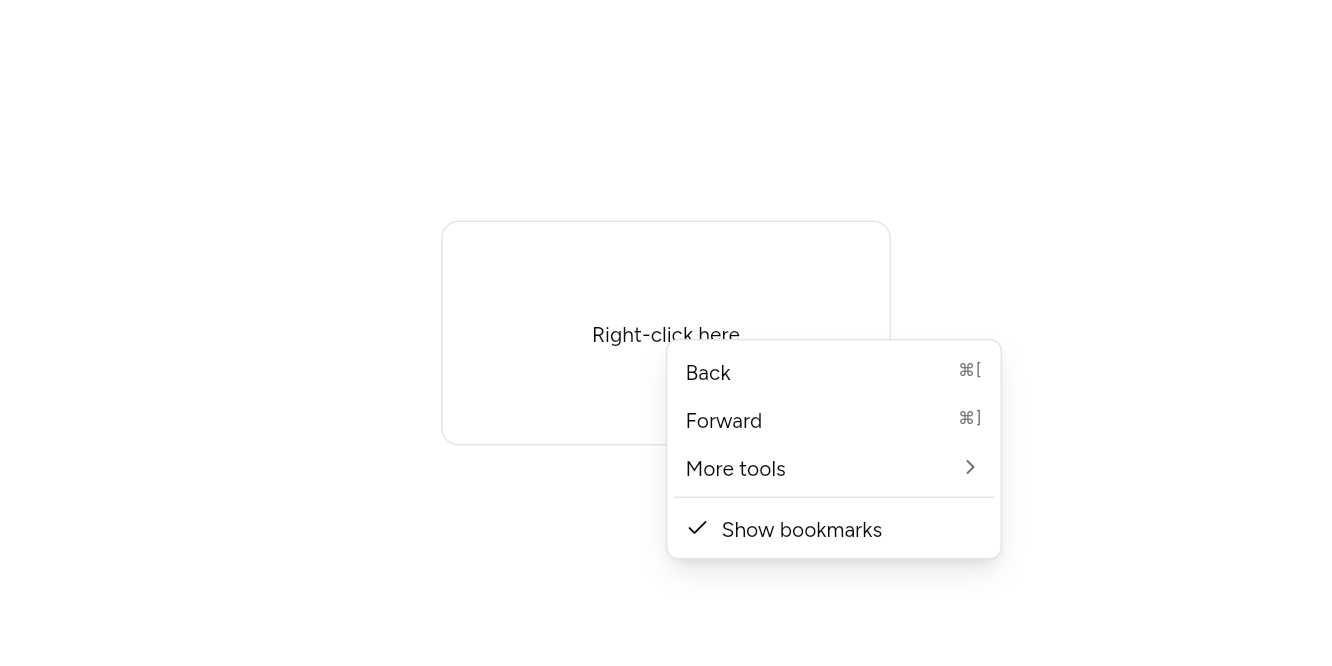
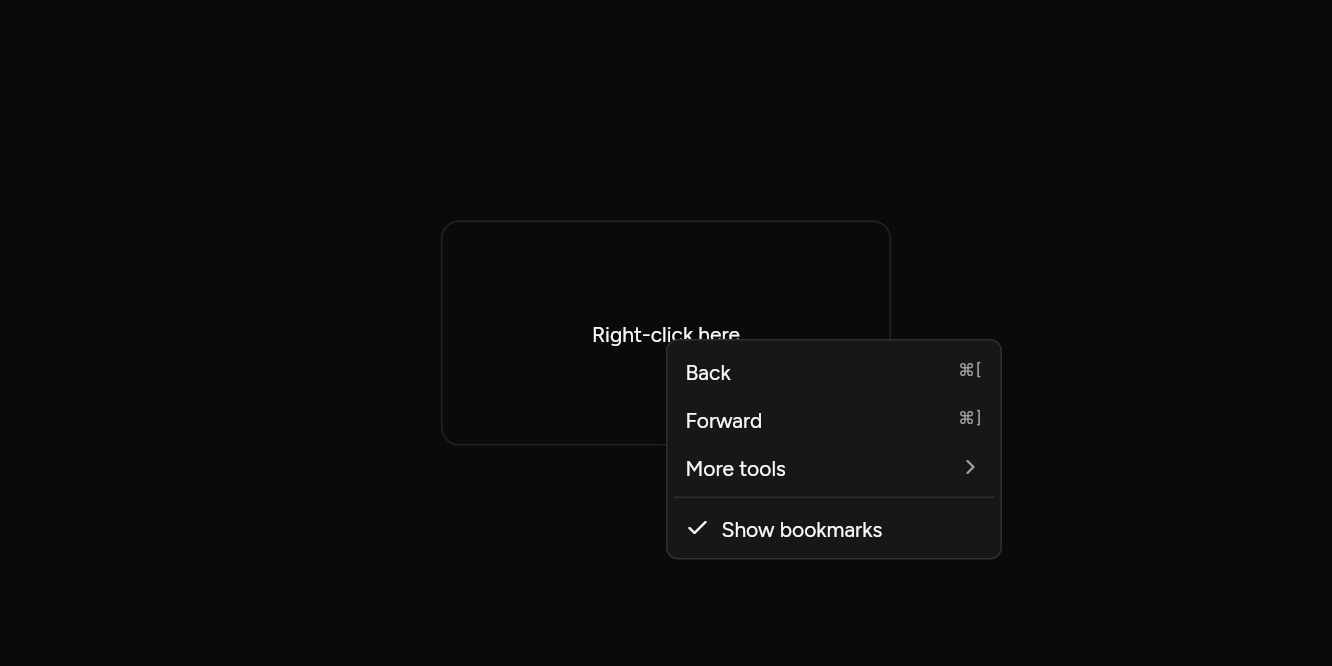
// With checks and a submenu: Right-click or long press the area.
import 'package:flutter/widgets.dart';

import 'ui/context_menu.dart';
import 'ui/dropdown_menu.dart';
import 'ui/theme.dart';

class ContextMenuChecksExample extends StatefulWidget {
  const ContextMenuChecksExample({super.key});

  @override
  State<ContextMenuChecksExample> createState() => _ContextMenuChecksExampleState();
}

class _ContextMenuChecksExampleState extends State<ContextMenuChecksExample> {
  var bookmarks = true;

  @override
  Widget build(BuildContext context) => ContextMenu(
    items: [
      MenuItem(onPressed: () {}, shortcut: const Text('⌘['), child: const Text('Back')),
      MenuItem(onPressed: () {}, shortcut: const Text('⌘]'), child: const Text('Forward')),
      MenuSub(
        items: [MenuItem(onPressed: () {}, child: const Text('Save page as…'))],
        child: const Text('More tools'),
      ),
      const MenuSeparator(),
      MenuCheckboxItem(
        checked: bookmarks,
        onChanged: (v) => setState(() => bookmarks = v),
        child: const Text('Show bookmarks'),
      ),
    ],
    child: Builder(
      builder: (context) => Container(
        width: 300,
        height: 150,
        alignment: Alignment.center,
        decoration: BoxDecoration(
          border: Border.all(color: AshlarTheme.of(context).colors.border),
          borderRadius: BorderRadius.circular(12),
        ),
        child: const Text('Right-click here'),
      ),
    ),
  );
}
API
Read from the source above: each parameter with its type, its default, and what it is for.
ContextMenuclass
A menu that opens where child is right-clicked or long-pressed, or from the keyboard with the menu key or Shift+F10 while something inside it has focus. Takes the same items as a DropdownMenu. Text inside it cannot be selected: a right-click there is for the menu. On the web it turns the browser's own menu off while shown, when the app fills the page; a page that embeds Flutter in part of it must turn the browser's menu off itself there.
| Parameter | Type | Default | What it is for |
|---|---|---|---|
childrequired |
Widget |
What is right-clicked or long pressed to open the menu. | |
itemsrequired |
List<Widget> |
MenuItem, MenuLabel and MenuSeparator, in order. |
|
width |
double |
224 |
Its width, in logical pixels. |
Source
What lands in your app. It is yours from then on: change it as you would your own code, and ashlar add
will not write over it.
lib/ui/context_menu.dart 114 lines
// Ashlar UI: Context Menu. Copied into your app by `ashlar add context-menu`; it is yours to
// change.

import 'package:flutter/foundation.dart';
import 'package:flutter/services.dart';
import 'package:flutter/widgets.dart';

import 'dropdown_menu.dart';
import 'popover.dart';

/// A menu that opens where [child] is right-clicked or long-pressed, or from the keyboard
/// with the menu key or Shift+F10 while something inside it has focus. Takes the same
/// items as a DropdownMenu. Text inside it cannot be selected: a right-click there is for
/// the menu. On the web it turns the browser's own menu off while shown,
/// when the app fills the page; a page that embeds Flutter in part of it must turn the
/// browser's menu off itself there.
///
/// ```dart
/// ContextMenu(
///   items: [
///     MenuItem(onPressed: back, shortcut: Text('⌘['), child: Text('Back')),
///     MenuItem(onPressed: reload, shortcut: Text('⌘R'), child: Text('Reload')),
///   ],
///   child: Container(height: 150, child: Center(child: Text('Right-click here'))),
/// )
/// ```
class ContextMenu extends StatefulWidget {
  const ContextMenu({
    super.key,
    required this.child,
    required this.items,
    this.width = 224,
  });

  /// What is right-clicked or long pressed to open the menu.
  final Widget child;

  /// [MenuItem], [MenuLabel] and [MenuSeparator], in order.
  final List<Widget> items;

  /// Its width, in logical pixels.
  final double width;

  @override
  State<ContextMenu> createState() => _ContextMenuState();
}

/// How many context menus are on screen, so the browser's menu comes back with the last.
int _shown = 0;

class _ContextMenuState extends State<ContextMenu> {
  final _menu = MenuController();

  @override
  void initState() {
    super.initState();
    // Flutter embedded in a page (a view, not the whole page) cannot turn the browser's
    // menu off and says so with an error; the menu still opens, so the error is dropped.
    if (kIsWeb && _shown++ == 0) {
      BrowserContextMenu.disableContextMenu().catchError((Object _) {});
    }
  }

  @override
  void dispose() {
    if (kIsWeb && --_shown == 0) {
      BrowserContextMenu.enableContextMenu().catchError((Object _) {});
    }
    super.dispose();
  }

  void _openAt(Offset at) => _menu.open(position: at);

  @override
  Widget build(BuildContext context) => RawMenuAnchor(
    controller: _menu,
    overlayBuilder: (context, info) => PopoverPanel(
      info: info,
      width: widget.width,
      child: MenuList(children: widget.items),
    ),
    child: Builder(
      builder: (context) => Shortcuts(
        shortcuts: const {
          SingleActivator(LogicalKeyboardKey.contextMenu): _OpenIntent(),
          SingleActivator(LogicalKeyboardKey.f10, shift: true): _OpenIntent(),
        },
        child: Actions(
          actions: {
            _OpenIntent: CallbackAction<_OpenIntent>(
              onInvoke: (_) {
                final box = context.findRenderObject()! as RenderBox;
                _openAt(box.size.center(Offset.zero));
                return null;
              },
            ),
          },
          child: GestureDetector(
            behavior: HitTestBehavior.opaque,
            onSecondaryTapDown: (d) => _openAt(d.localPosition),
            onLongPressStart: (d) => _openAt(d.localPosition),
            // A right-click or long press here is for the menu, so the text under it is
            // not selected as well.
            child: SelectionContainer.disabled(child: widget.child),
          ),
        ),
      ),
    ),
  );
}

class _OpenIntent extends Intent {
  const _OpenIntent();
}