

Pull to Refresh
A list that refreshes when pulled down from its top, with a Refresh action for screen readers.
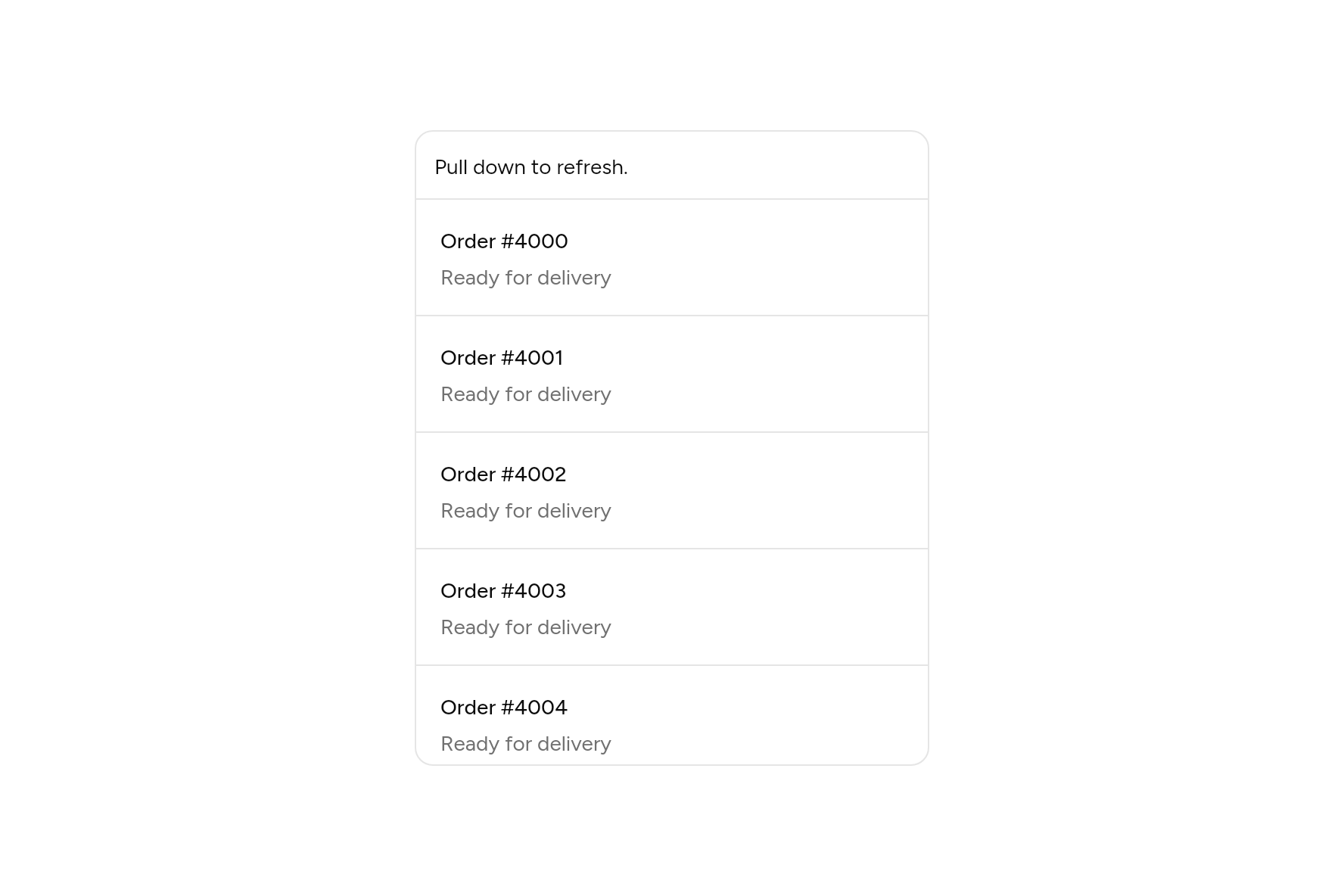
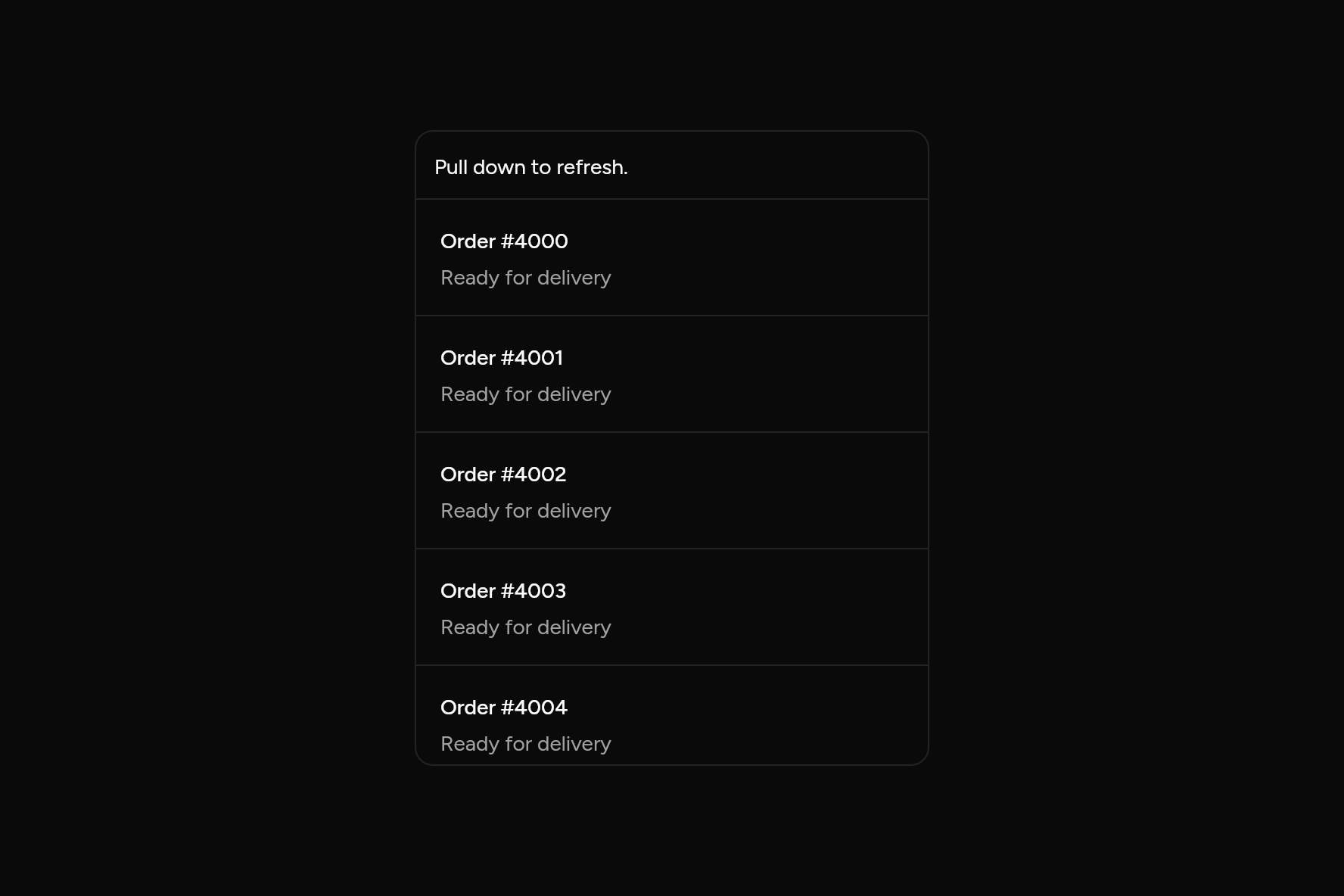
import 'dart:ui' show PointerDeviceKind;

import 'package:flutter/widgets.dart';

import 'ui/item.dart';
import 'ui/pull_to_refresh.dart';
import 'ui/separator.dart';
import 'ui/theme.dart';

class PullToRefreshDemo extends StatefulWidget {
  const PullToRefreshDemo({super.key});

  @override
  State<PullToRefreshDemo> createState() => _PullToRefreshDemoState();
}

class _PullToRefreshDemoState extends State<PullToRefreshDemo> {
  var refreshed = 0;

  Future<void> refresh() async {
    await Future<void>.delayed(const Duration(milliseconds: 1200));
    setState(() => refreshed++);
  }

  @override
  Widget build(BuildContext context) => Container(
    width: 340,
    height: 420,
    clipBehavior: Clip.antiAlias,
    decoration: BoxDecoration(
      border: Border.all(color: AshlarTheme.of(context).colors.border),
      borderRadius: BorderRadius.circular(12),
    ),
    // On this page a mouse may pull it too, so it can be tried without a touch screen.
    child: ScrollConfiguration(
      behavior: ScrollConfiguration.of(context).copyWith(
        dragDevices: {PointerDeviceKind.touch, PointerDeviceKind.mouse, PointerDeviceKind.trackpad},
      ),
      child: PullToRefresh(
        onRefresh: refresh,
        child: ListView(
          children: [
            Padding(
              padding: const EdgeInsets.all(12),
              child: Text(
                refreshed == 0 ? 'Pull down to refresh.' : 'Refreshed $refreshed time${refreshed == 1 ? '' : 's'}.',
              ),
            ),
            for (var i = 0; i < 12; i++) ...[
              const Separator(),
              Item(title: Text('Order #${4000 + i}'), description: const Text('Ready for delivery')),
            ],
          ],
        ),
      ),
    ),
  );
}
Add it
In your Flutter project:
ashlar add pull-to-refresh
It writes spinner.dart, theme.dart, palette.dart and pull_to_refresh.dart into lib/ui, keeping any you already have, and adds ashlar_icons to pubspec.yaml. It needs spinner and ashlar_icons, which come with it.
API
Read from the source above: each parameter with its type, its default, and what it is for.
PullToRefreshclass
A list that refreshes when pulled down from its top, as phone lists do: a spinner shows how far to pull, then turns while onRefresh runs.
Works with both ways of scrolling: past the top with a bounce (iOS), or stopping at it (Android). A screen reader is offered Refresh as an action instead of pulling. A mouse does not pull a list, so on a desktop give a refresh button as well.
| Parameter | Type | Default | What it is for |
|---|---|---|---|
onRefreshrequired |
Future<void> Function() |
Called once pulled far enough; the spinner turns until it completes. | |
childrequired |
Widget |
The scrolling list. | |
distance |
double |
80 |
How far to pull before letting go refreshes. |
semanticLabel |
String |
'Refresh' |
What a screen reader calls the action. |
Source
What lands in your app. It is yours from then on: change it as you would your own code, and ashlar add
will not write over it.
lib/ui/pull_to_refresh.dart 220 lines
// Ashlar UI: Pull to Refresh. Copied into your app by `ashlar add pull-to-refresh`; it is
// yours to change.

import 'package:ashlar_icons/ashlar_icons.dart';
import 'package:flutter/semantics.dart';
import 'package:flutter/widgets.dart';

import 'spinner.dart';
import 'theme.dart';

/// A list that refreshes when pulled down from its top, as phone lists do: a spinner
/// shows how far to pull, then turns while [onRefresh] runs.
///
/// Works with both ways of scrolling: past the top with a bounce (iOS), or stopping at it
/// (Android). A screen reader is offered Refresh as an action instead of pulling. A mouse
/// does not pull a list, so on a desktop give a refresh button as well.
///
/// ```dart
/// PullToRefresh(
///   onRefresh: () => orders.reload(),
///   child: ListView(children: [for (final o in orders) Item(title: Text(o.name))]),
/// )
/// ```
class PullToRefresh extends StatefulWidget {
  const PullToRefresh({
    super.key,
    required this.onRefresh,
    required this.child,
    this.distance = 80,
    this.semanticLabel = 'Refresh',
  });

  /// Called once pulled far enough; the spinner turns until it completes.
  final Future<void> Function() onRefresh;

  /// The scrolling list.
  final Widget child;

  /// How far to pull before letting go refreshes.
  final double distance;

  /// What a screen reader calls the action.
  final String semanticLabel;

  @override
  State<PullToRefresh> createState() => _PullToRefreshState();
}

class _PullToRefreshState extends State<PullToRefresh>
    with SingleTickerProviderStateMixin {
  // How far it has been pulled past the top.
  double _pulled = 0;
  bool _dragging = false, _working = false;

  // How far the list itself is past its top, when it bounces.
  double _over = 0;
  bool _bounced = false;

  /// Holding the list down under the spinner while it turns, as a bouncing list does.
  bool _holding = false;
  late final AnimationController _back =
      AnimationController(
          vsync: this,
          duration: const Duration(milliseconds: 200),
        )
        ..addListener(() => setState(() => _pulled = _from * (1 - _back.value)))
        ..addStatusListener((s) {
          if (s == AnimationStatus.completed) setState(() => _holding = false);
        });
  double _from = 0;

  @override
  void dispose() {
    _back.dispose();
    super.dispose();
  }

  Future<void> _refresh() async {
    if (_working) return;
    setState(() {
      _working = true;
      _holding = _bounced;
      _pulled = widget.distance;
    });
    try {
      await widget.onRefresh();
    } finally {
      if (mounted) {
        setState(() => _working = false);
        _settle();
      }
    }
  }

  void _settle() {
    _from = _pulled;
    _back.forward(from: 0);
  }

  /// The finger has lifted: refresh if pulled far enough, otherwise let go.
  void _lifted() {
    _dragging = false;
    if (_pulled >= widget.distance) {
      _refresh();
    } else if (_pulled > 0) {
      _settle();
    }
  }

  bool _onScroll(ScrollNotification n) {
    if (n.depth != 0) return false;
    if (n is ScrollUpdateNotification) {
      final over = (n.metrics.minScrollExtent - n.metrics.pixels).clamp(
        0.0,
        double.infinity,
      );
      if (over != _over) setState(() => _over = over);
    }
    if (_working) return false;
    if (n is ScrollStartNotification && n.dragDetails != null) {
      _dragging = true;
      _bounced = false;
    }
    if (n is ScrollUpdateNotification && _dragging) {
      if (n.dragDetails == null) {
        // Moving on its own: the finger lifted and a bounce or fling began.
        _lifted();
        return false;
      }
      // Bouncing: the list itself goes past its top.
      if (n.metrics.pixels < n.metrics.minScrollExtent) {
        setState(() {
          _bounced = true;
          _pulled = n.metrics.minScrollExtent - n.metrics.pixels;
        });
      } else if (_pulled > 0 && n.scrollDelta! > 0) {
        // Pushed back up while pulled: the mark goes back with it.
        setState(
          () => _pulled = (_pulled - n.scrollDelta!).clamp(0, double.infinity),
        );
      }
    }
    // Stopping at the top: the pull is what it would have scrolled.
    if (n is OverscrollNotification &&
        n.dragDetails != null &&
        n.overscroll < 0) {
      setState(
        () => _pulled = (_pulled - n.overscroll * .5).clamp(
          0,
          widget.distance * 1.5,
        ),
      );
    }
    if (n is ScrollEndNotification && _dragging) _lifted();
    return false;
  }

  @override
  Widget build(BuildContext context) {
    final c = AshlarTheme.of(context).colors;
    final share = (_pulled / widget.distance).clamp(0.0, 1.0);
    return Semantics(
      customSemanticsActions: {
        CustomSemanticsAction(label: widget.semanticLabel): _refresh,
      },
      child: NotificationListener<ScrollNotification>(
        onNotification: _onScroll,
        child: Stack(
          children: [
            // What the list has bounced back, made up so the spinner has room.
            Transform.translate(
              offset: Offset(
                0,
                _holding ? (_pulled - _over).clamp(0, widget.distance) : 0,
              ),
              child: widget.child,
            ),
            if (_pulled > 0 || _working)
              Positioned(
                top: (_pulled.clamp(0, widget.distance) - 40) / 2 + 8,
                left: 0,
                right: 0,
                child: IgnorePointer(
                  child: Center(
                    child: Opacity(
                      opacity: _working ? 1 : share,
                      child: Container(
                        width: 32,
                        height: 32,
                        alignment: Alignment.center,
                        decoration: BoxDecoration(
                          color: c.popover,
                          shape: BoxShape.circle,
                          border: Border.all(color: c.border),
                        ),
                        child: _working
                            ? const Spinner(
                                size: 16,
                                semanticLabel: 'Refreshing',
                              )
                            // How far to go, as a turn of the mark: a full turn refreshes.
                            : Transform.rotate(
                                angle: share * 6.28,
                                child: AshlarIcon(
                                  AshlarIconsRoundedStroke.loaderCircle,
                                  size: 16,
                                  color: c.foreground,
                                ),
                              ),
                      ),
                    ),
                  ),
                ),
              ),
          ],
        ),
      ),
    );
  }
}