

Pagination
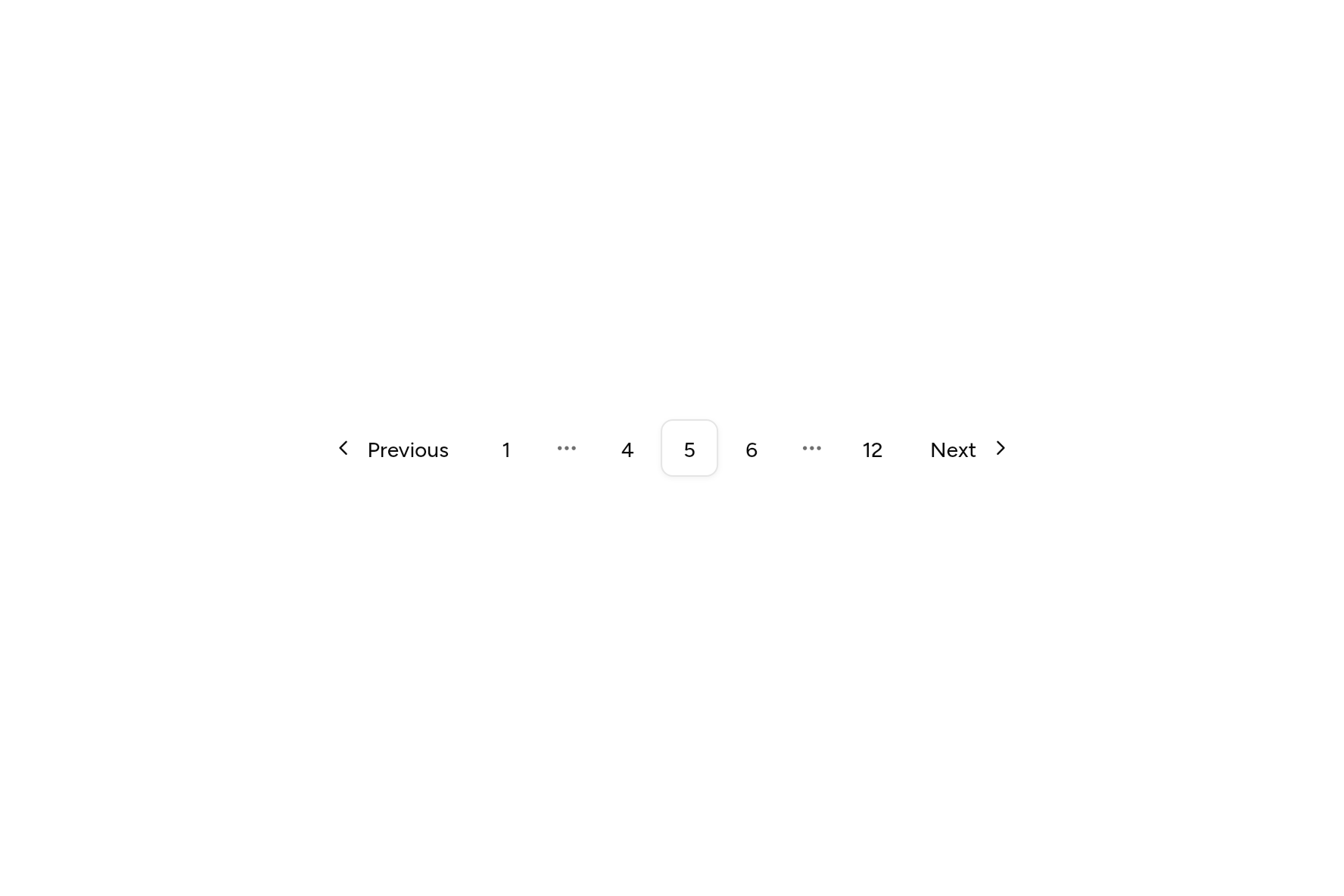
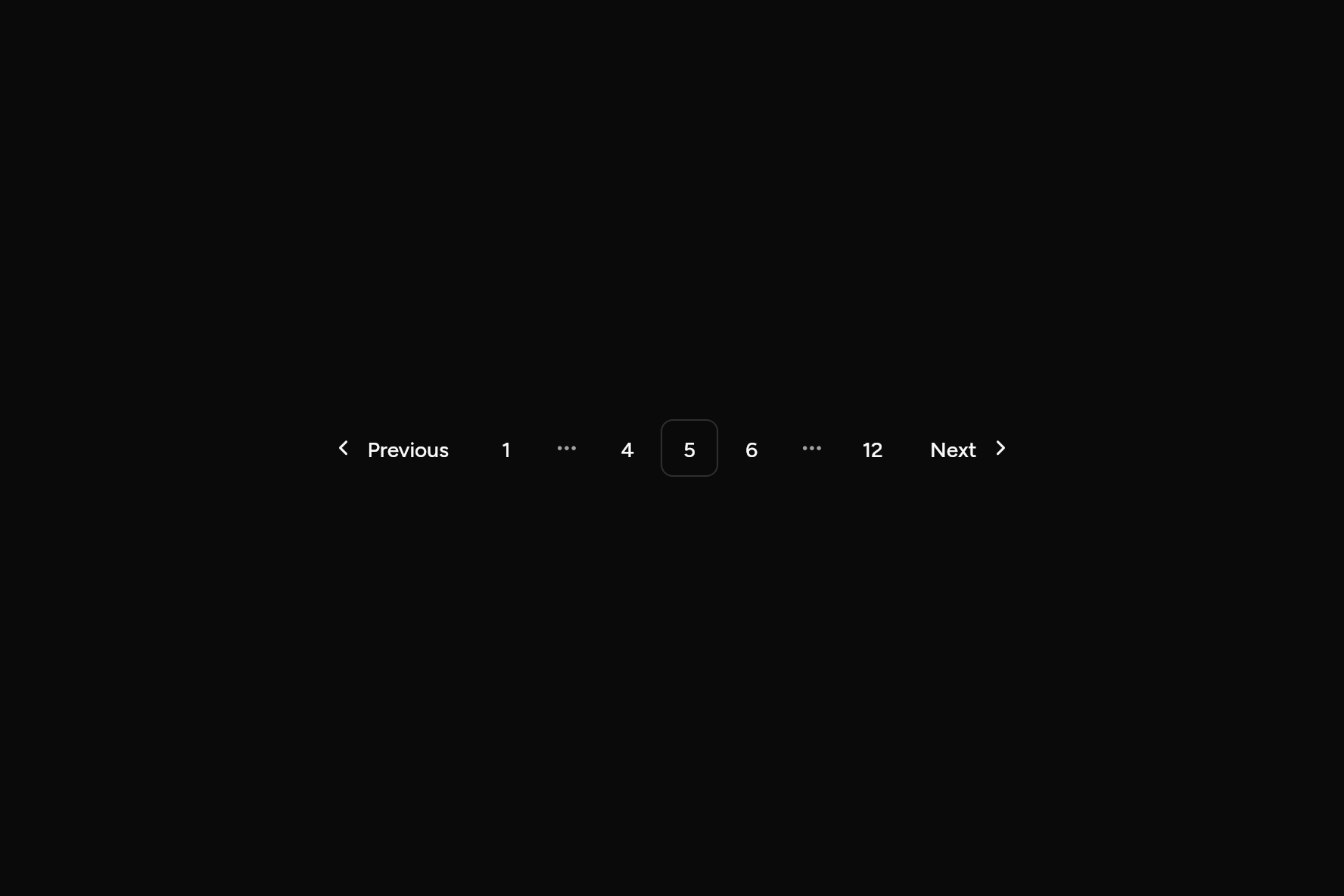
Previous, page numbers and Next, for a long list.
import 'package:flutter/widgets.dart';

import 'ui/pagination.dart';

class PaginationDemo extends StatefulWidget {
  const PaginationDemo({super.key});

  @override
  State<PaginationDemo> createState() => _PaginationDemoState();
}

class _PaginationDemoState extends State<PaginationDemo> {
  int page = 5;

  @override
  Widget build(BuildContext context) =>
      Pagination(page: page, pageCount: 12, onChanged: (p) => setState(() => page = p));
}
Try its options
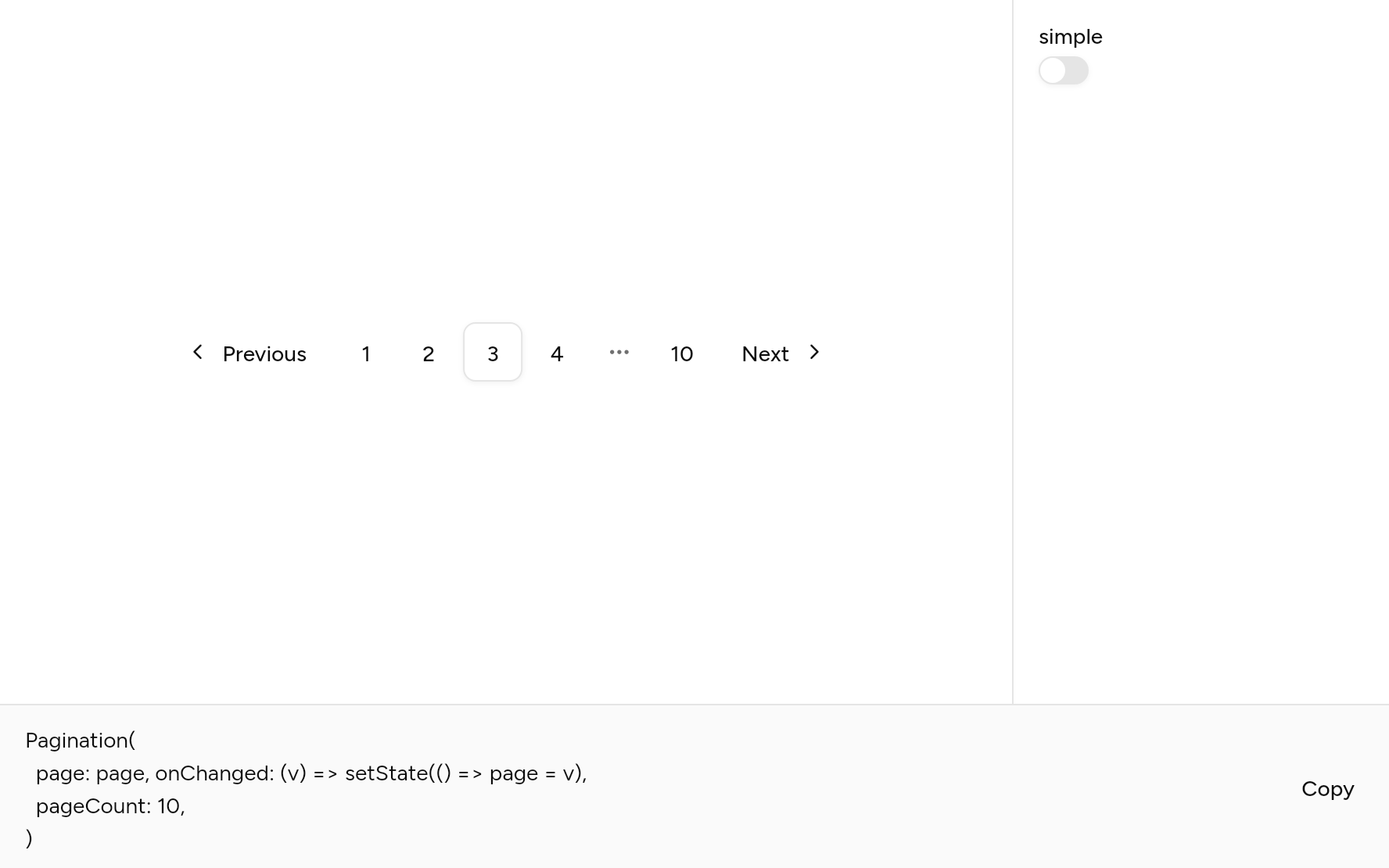
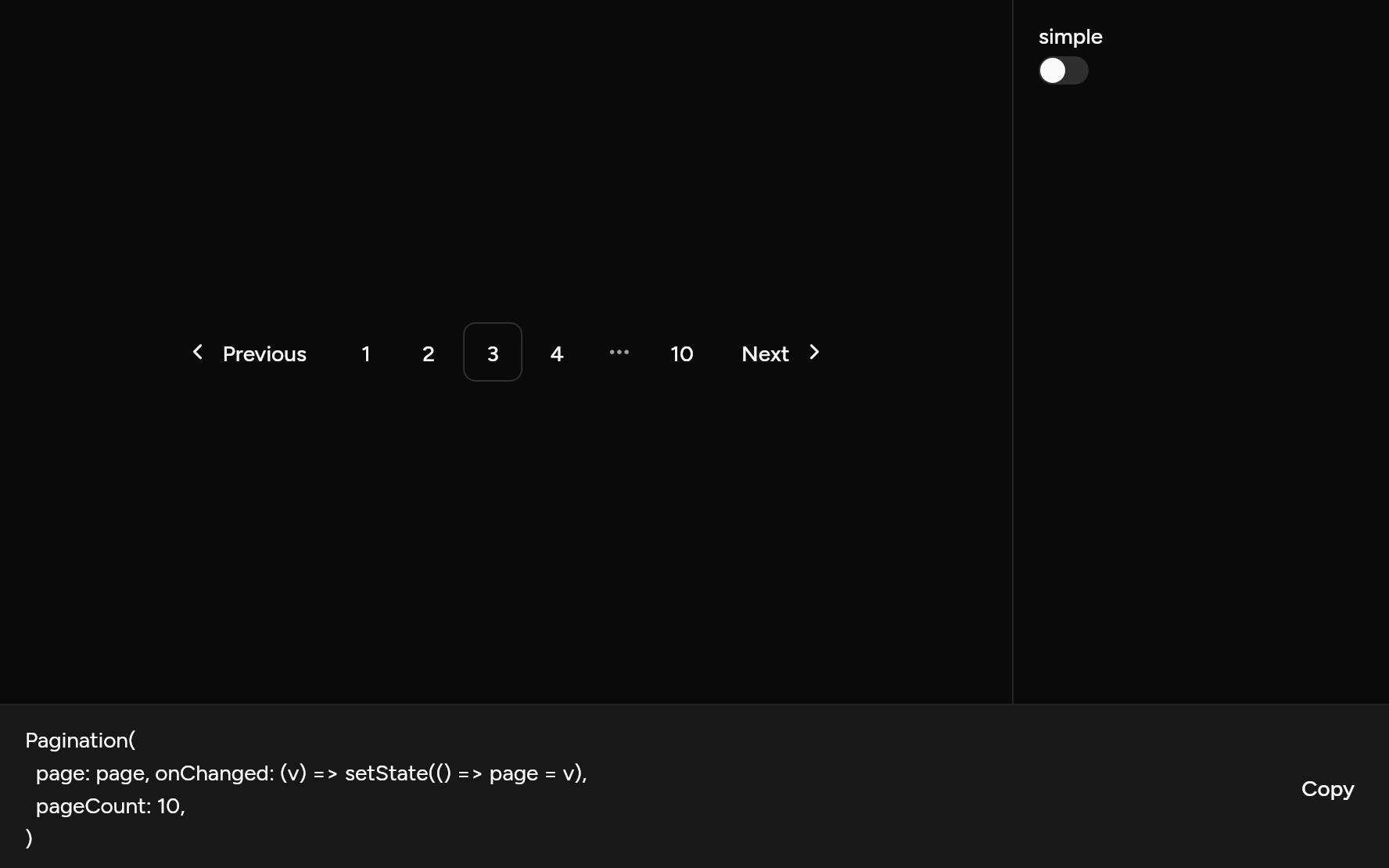
Each option its constructor takes, to change and see; the code below it is what you chose, to copy.
Add it
In your Flutter project:
ashlar add pagination
It writes theme.dart, palette.dart, group.dart, pressable.dart, button.dart and pagination.dart into lib/ui, keeping any you already have, and adds ashlar_icons to pubspec.yaml. It needs button and ashlar_icons, which come with it.
Examples
Other ways to use it, each running live, with its code.
Simple
Back, where you are, and next.
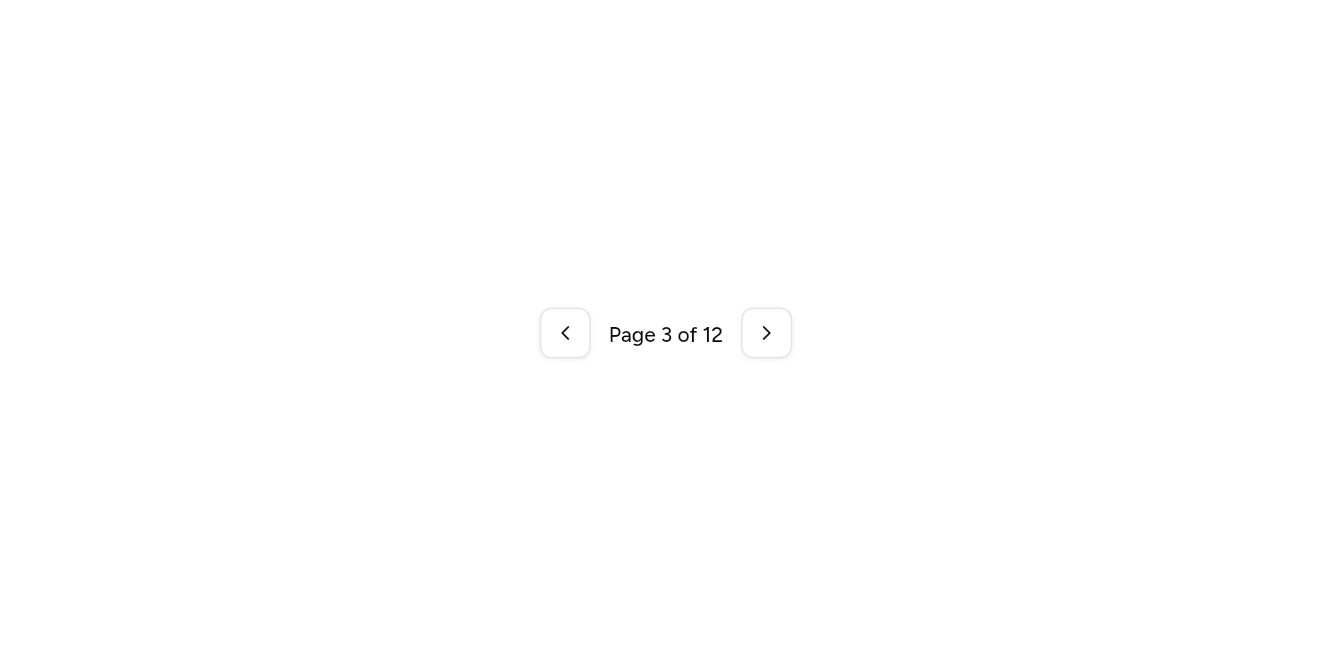

// Simple: Back, where you are, and next.
import 'package:flutter/widgets.dart';

import 'ui/pagination.dart';

class PaginationSimpleExample extends StatefulWidget {
  const PaginationSimpleExample({super.key});

  @override
  State<PaginationSimpleExample> createState() => _PaginationSimpleExampleState();
}

class _PaginationSimpleExampleState extends State<PaginationSimpleExample> {
  var page = 3;

  @override
  Widget build(BuildContext context) => Pagination(
    simple: true,
    page: page,
    pageCount: 12,
    onChanged: (p) => setState(() => page = p),
  );
}
Many pages
The ends and the pages around this one.
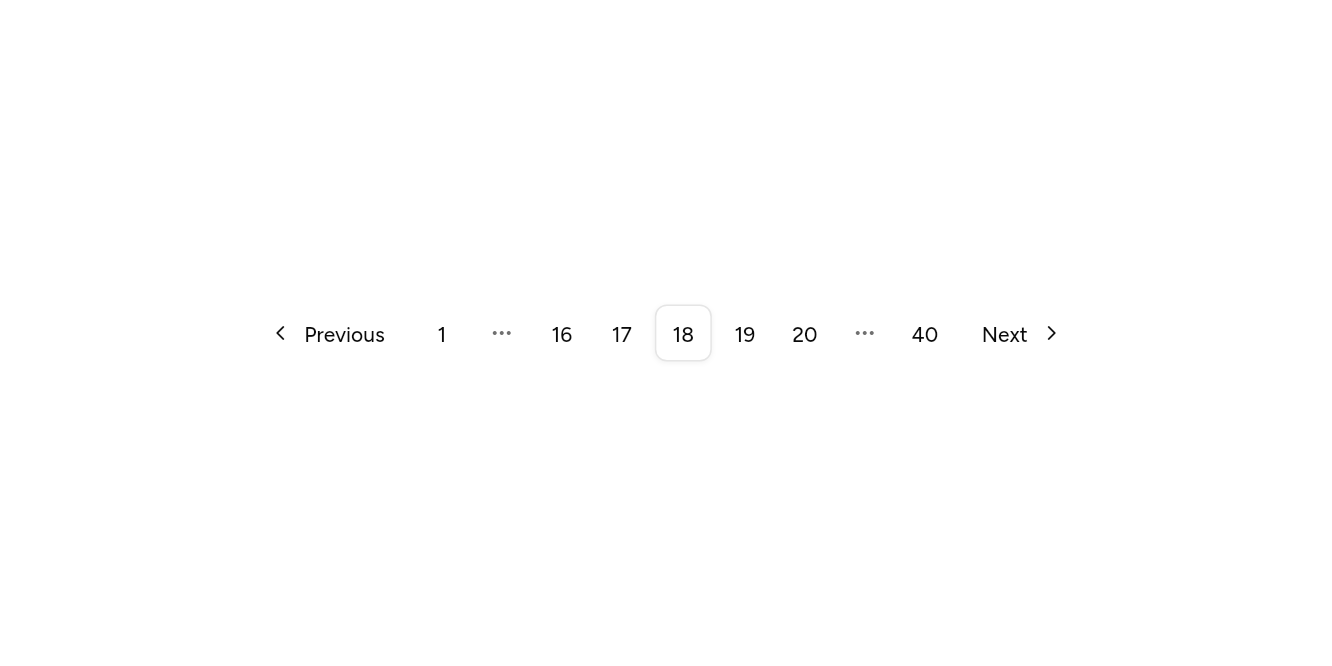
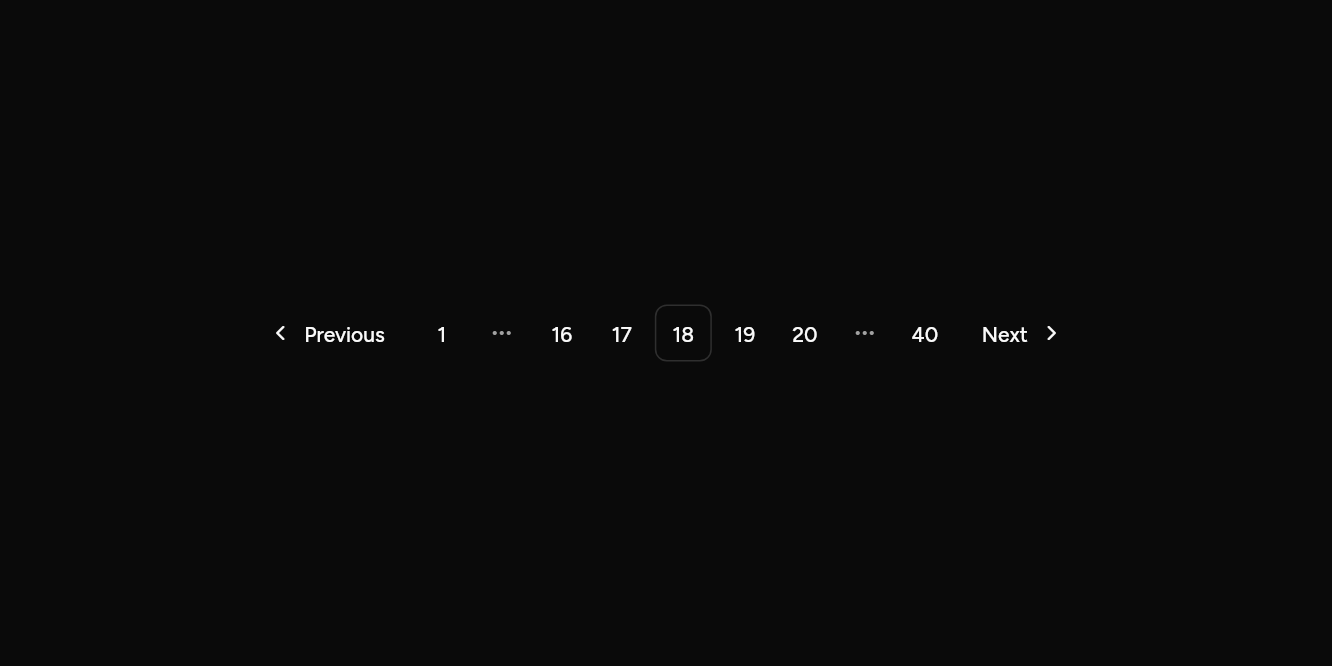
// Many pages: The ends and the pages around this one.
import 'package:flutter/widgets.dart';

import 'ui/pagination.dart';

class PaginationManyExample extends StatefulWidget {
  const PaginationManyExample({super.key});

  @override
  State<PaginationManyExample> createState() => _PaginationManyExampleState();
}

class _PaginationManyExampleState extends State<PaginationManyExample> {
  var page = 18;

  @override
  Widget build(BuildContext context) => Pagination(
    page: page,
    pageCount: 40,
    siblings: 2,
    onChanged: (p) => setState(() => page = p),
  );
}
API
Read from the source above: each parameter with its type, its default, and what it is for.
Paginationclass
Moves between the pages of a long list: Previous, the page numbers near this one with the first and last, and Next. Pages count from 1.
| Parameter | Type | Default | What it is for |
|---|---|---|---|
pagerequired |
int |
The page shown, from 1. | |
pageCountrequired |
int |
How many pages there are. | |
onChangedrequired |
ValueChanged<int> |
Told the page chosen. | |
siblings |
int |
1 |
How many pages either side of this one are shown by number. |
simple |
bool |
false |
Previous, "Page 2 of 10" and Next, without the numbers. |
Source
What lands in your app. It is yours from then on: change it as you would your own code, and ashlar add
will not write over it.
lib/ui/pagination.dart 173 lines
// Ashlar UI: Pagination. Copied into your app by `ashlar add pagination`; it is yours to
// change.

import 'package:ashlar_icons/ashlar_icons.dart';
import 'package:flutter/widgets.dart';

import 'button.dart';
import 'theme.dart';

/// Moves between the pages of a long list: Previous, the page numbers near this one with
/// the first and last, and Next. Pages count from 1.
///
/// ```dart
/// Pagination(page: page, pageCount: 12, onChanged: (p) => setState(() => page = p))
/// ```
class Pagination extends StatelessWidget {
  const Pagination({
    super.key,
    required this.page,
    required this.pageCount,
    required this.onChanged,
    this.siblings = 1,
    this.simple = false,
  });

  /// The page shown, from 1.
  final int page;

  /// How many pages there are.
  final int pageCount;

  /// Told the page chosen.
  final ValueChanged<int> onChanged;

  /// How many pages either side of this one are shown by number.
  final int siblings;

  /// Previous, "Page 2 of 10" and Next, without the numbers.
  final bool simple;

  /// The pages to show by number, with null for a gap.
  List<int?> get _pages {
    final shown = <int>{
      1,
      pageCount,
      for (var p = page - siblings; p <= page + siblings; p++) p,
    }.where((p) => p >= 1 && p <= pageCount).toList()..sort();
    final out = <int?>[];
    for (final p in shown) {
      if (out.isNotEmpty && p - out.last! > 1) {
        // A gap of one page shows the page; a longer one shows an ellipsis.
        if (p - out.last! == 2) {
          out.add(p - 1);
        } else {
          out.add(null);
        }
      }
      out.add(p);
    }
    return out;
  }

  @override
  Widget build(BuildContext context) {
    final t = AshlarTheme.of(context);
    final c = t.colors;
    if (simple) {
      return Semantics(
        container: true,
        label: 'Pagination',
        explicitChildNodes: true,
        child: Row(
          mainAxisSize: MainAxisSize.min,
          children: [
            Button(
              variant: ButtonVariant.outline,
              size: ButtonSize.iconSm,
              semanticLabel: 'Previous page',
              onPressed: page > 1 ? () => onChanged(page - 1) : null,
              child: AshlarIcon(
                isRtl(context)
                    ? AshlarIconsRoundedStroke.chevronRight
                    : AshlarIconsRoundedStroke.chevronLeft,
              ),
            ),
            Padding(
              padding: const EdgeInsets.symmetric(horizontal: 12),
              child: Text(
                'Page $page of $pageCount',
                style: t.text.sm.copyWith(
                  color: c.foreground,
                  fontWeight: FontWeight.w500,
                ),
              ),
            ),
            Button(
              variant: ButtonVariant.outline,
              size: ButtonSize.iconSm,
              semanticLabel: 'Next page',
              onPressed: page < pageCount ? () => onChanged(page + 1) : null,
              child: AshlarIcon(
                isRtl(context)
                    ? AshlarIconsRoundedStroke.chevronLeft
                    : AshlarIconsRoundedStroke.chevronRight,
              ),
            ),
          ],
        ),
      );
    }
    return Semantics(
      container: true,
      label: 'Pagination',
      explicitChildNodes: true,
      child: Wrap(
        spacing: 4,
        runSpacing: 4,
        crossAxisAlignment: WrapCrossAlignment.center,
        children: [
          Button(
            variant: ButtonVariant.ghost,
            leading: AshlarIcon(
              isRtl(context)
                  ? AshlarIconsRoundedStroke.chevronRight
                  : AshlarIconsRoundedStroke.chevronLeft,
            ),
            semanticLabel: 'Previous page',
            onPressed: page > 1 ? () => onChanged(page - 1) : null,
            child: const Text('Previous'),
          ),
          for (final p in _pages)
            if (p == null)
              Semantics(
                label: 'More pages',
                child: ExcludeSemantics(
                  child: SizedBox(
                    width: 36,
                    child: Center(
                      child: AshlarIcon(
                        AshlarIconsRoundedStroke.ellipsis,
                        size: 16,
                        color: c.mutedForeground,
                      ),
                    ),
                  ),
                ),
              )
            else
              Button(
                variant: p == page
                    ? ButtonVariant.outline
                    : ButtonVariant.ghost,
                size: ButtonSize.icon,
                semanticLabel: p == page ? 'Page $p, current page' : 'Page $p',
                onPressed: p == page ? () {} : () => onChanged(p),
                child: Text('$p'),
              ),
          Button(
            variant: ButtonVariant.ghost,
            trailing: AshlarIcon(
              isRtl(context)
                  ? AshlarIconsRoundedStroke.chevronLeft
                  : AshlarIconsRoundedStroke.chevronRight,
            ),
            semanticLabel: 'Next page',
            onPressed: page < pageCount ? () => onChanged(page + 1) : null,
            child: const Text('Next'),
          ),
        ],
      ),
    );
  }
}