

Message
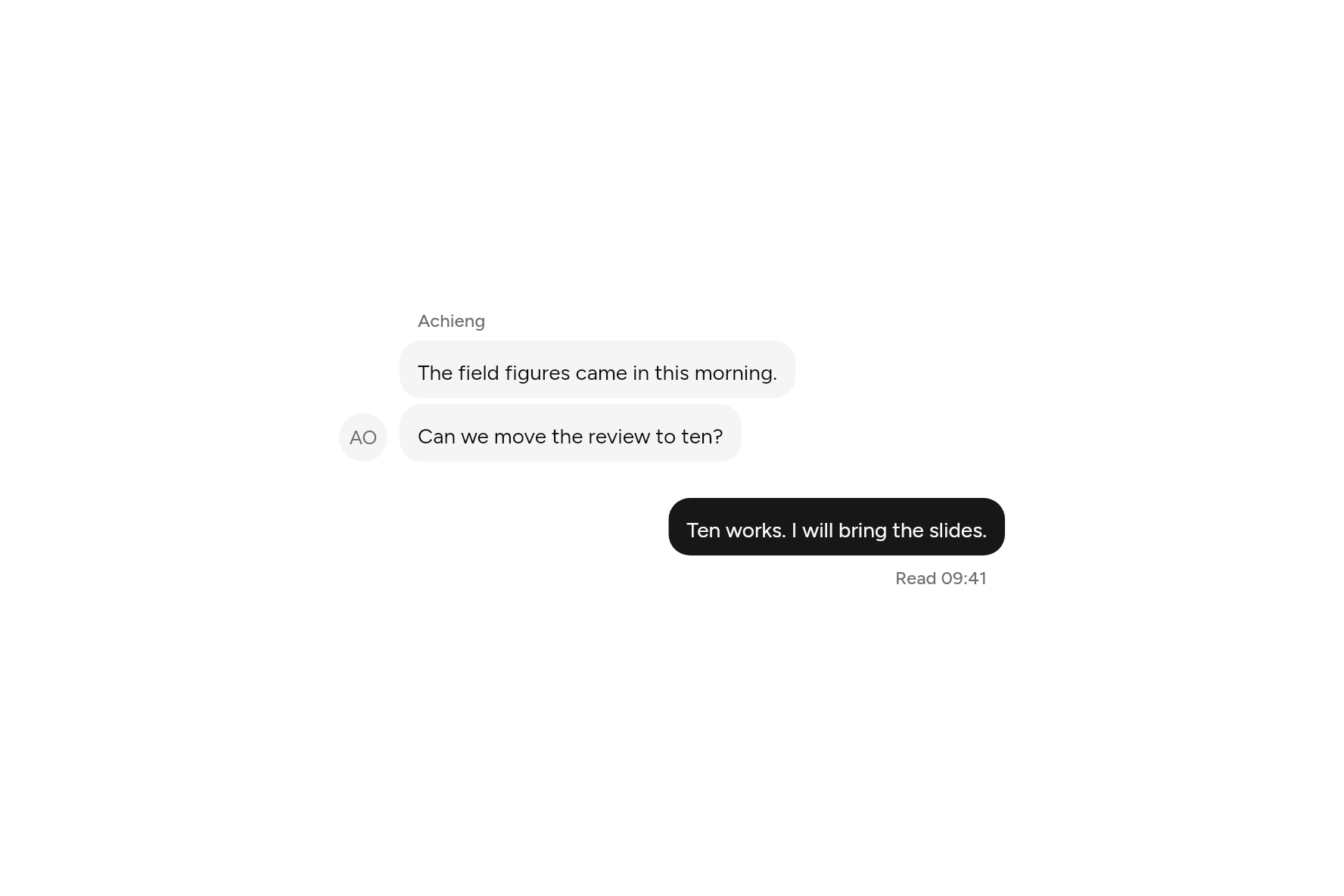
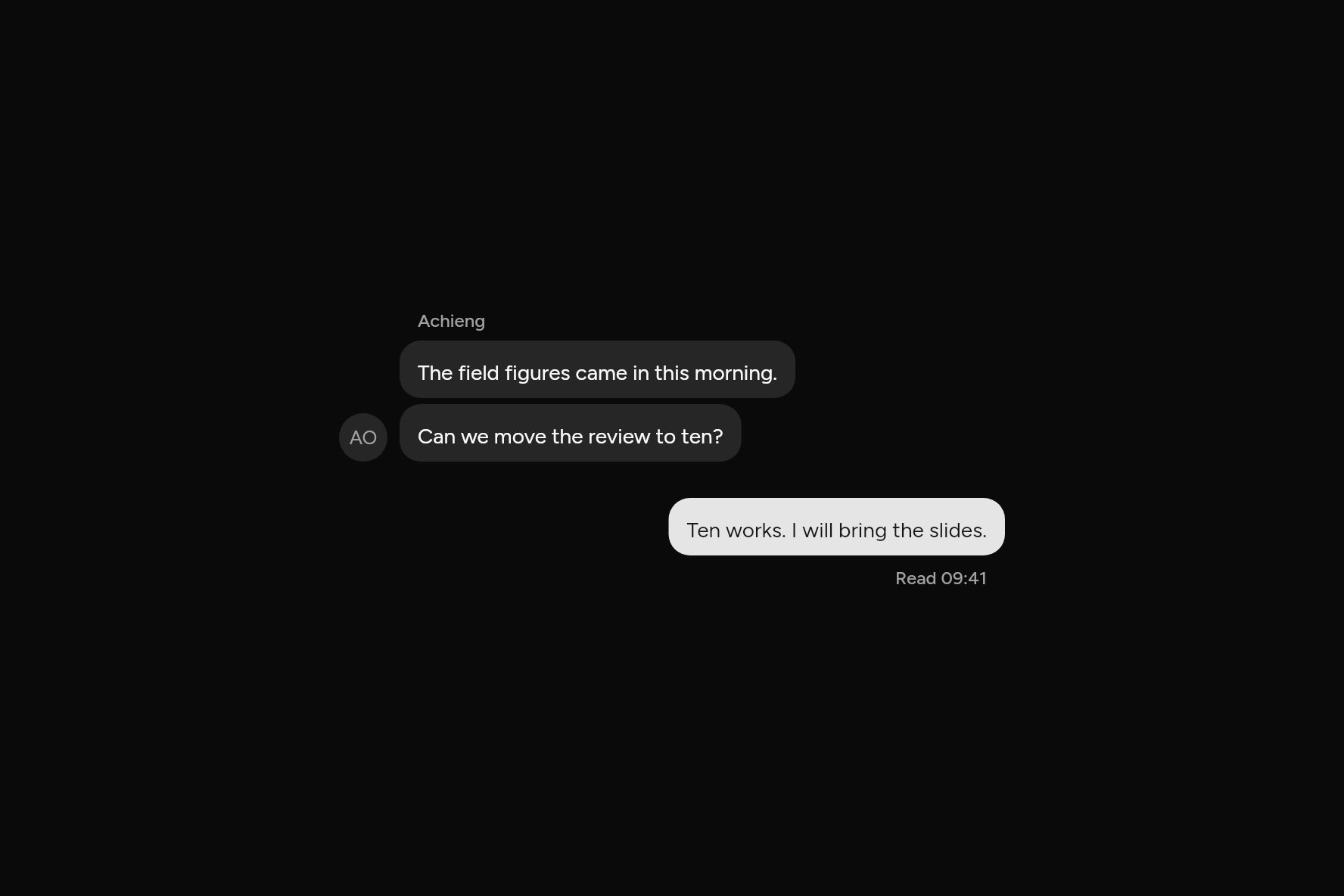
One turn in a conversation: who sent it, what they said, a line above or below.
import 'package:flutter/widgets.dart';

import 'ui/avatar.dart';
import 'ui/bubble.dart';
import 'ui/message.dart';

class MessageDemo extends StatelessWidget {
  const MessageDemo({super.key});

  @override
  Widget build(BuildContext context) => const SizedBox(
    width: 440,
    child: Column(
      mainAxisSize: MainAxisSize.min,
      children: [
        Message(
          avatar: Avatar(fallback: 'AO'),
          header: Text('Achieng'),
          child: BubbleGroup(
            children: [
              Bubble(
                variant: BubbleVariant.muted,
                child: Text('The field figures came in this morning.'),
              ),
              Bubble(
                variant: BubbleVariant.muted,
                child: Text('Can we move the review to ten?'),
              ),
            ],
          ),
        ),
        SizedBox(height: 24),
        Message(
          align: MessageAlign.end,
          footer: Text('Read 09:41'),
          child: Bubble(child: Text('Ten works. I will bring the slides.')),
        ),
      ],
    ),
  );
}
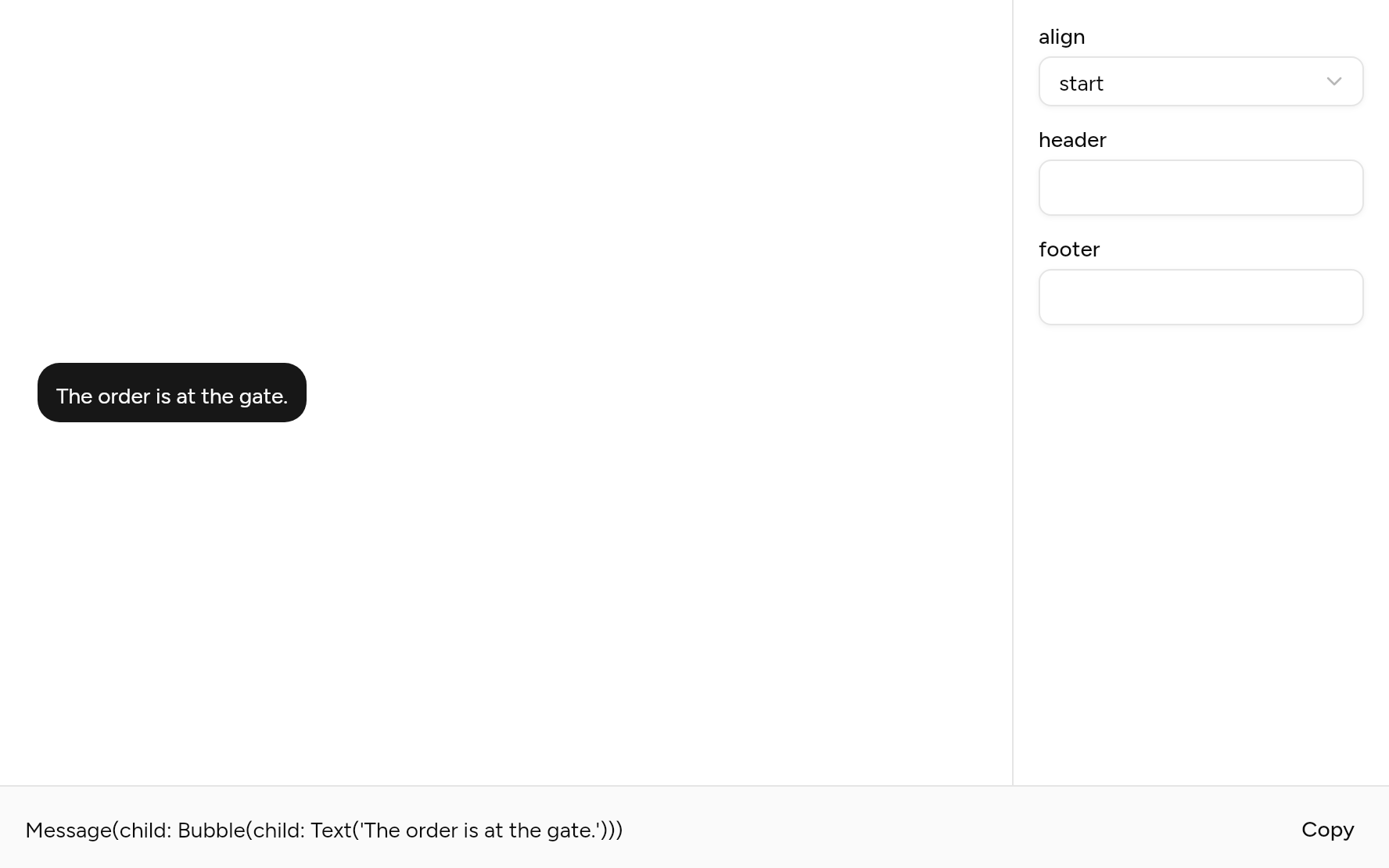
Try its options
Each option its constructor takes, to change and see; the code below it is what you chose, to copy.
Add it
In your Flutter project:
ashlar add message
It writes theme.dart, palette.dart and message.dart into lib/ui, keeping any you already have.
Examples
Other ways to use it, each running live, with its code.
A run from one sender
Several bubbles, one name and one avatar.
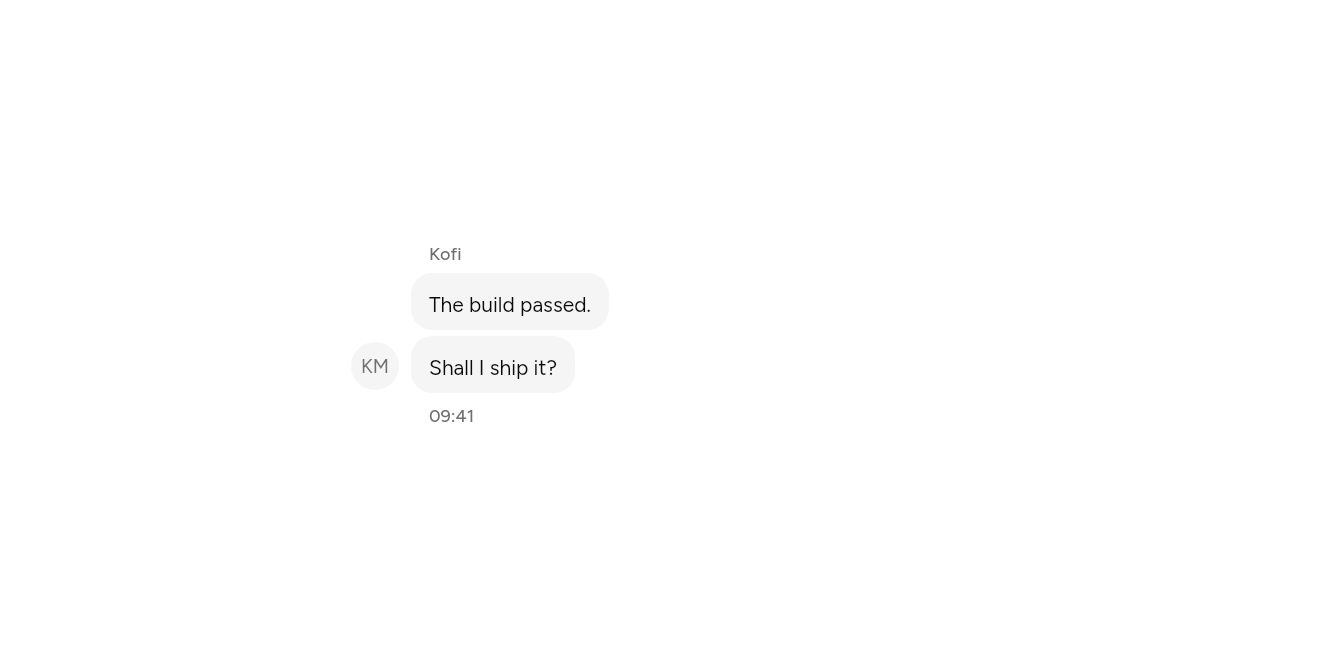
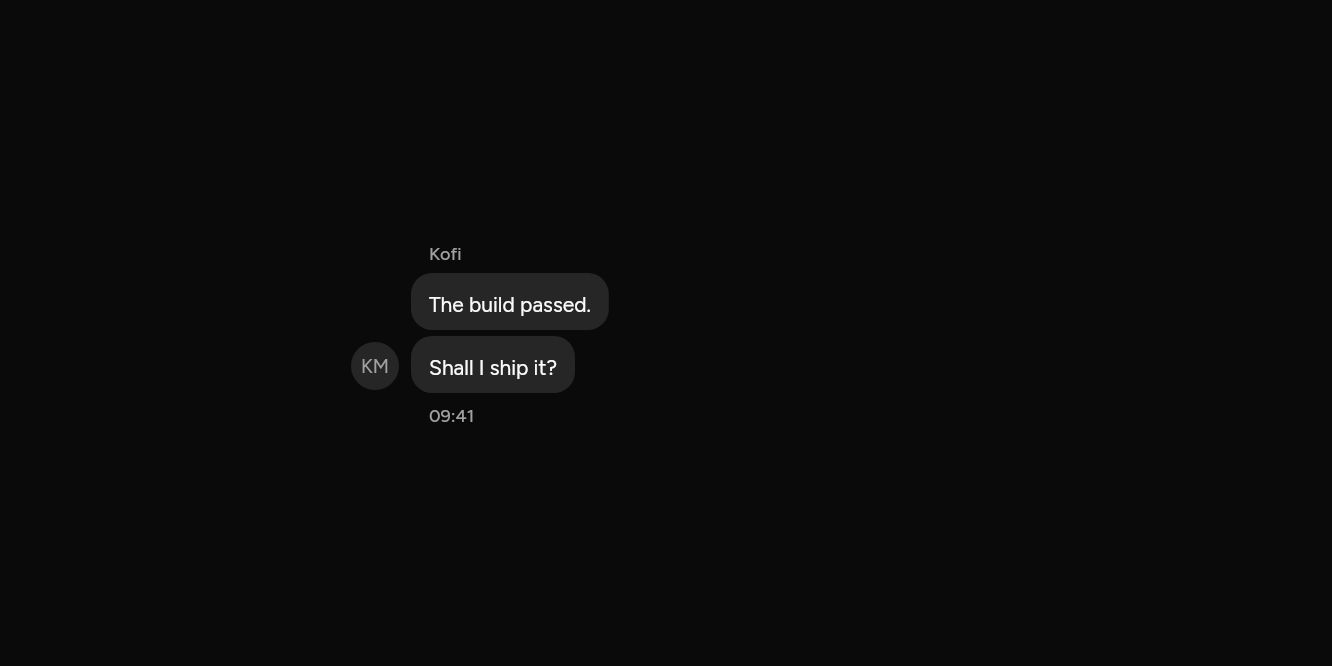
// A run from one sender: Several bubbles, one name and one avatar.
import 'package:flutter/widgets.dart';

import 'ui/avatar.dart';
import 'ui/bubble.dart';
import 'ui/message.dart';

class MessageGroupExample extends StatelessWidget {
  const MessageGroupExample({super.key});

  @override
  Widget build(BuildContext context) => const SizedBox(
    width: 420,
    child: MessageGroup(
      children: [
        Message(
          avatar: Avatar(fallback: 'KM'),
          header: Text('Kofi'),
          footer: Text('09:41'),
          child: BubbleGroup(
            children: [
              Bubble(variant: BubbleVariant.muted, child: Text('The build passed.')),
              Bubble(variant: BubbleVariant.muted, child: Text('Shall I ship it?')),
            ],
          ),
        ),
      ],
    ),
  );
}
API
Read from the source above: each parameter with its type, its default, and what it is for.
MessageAlignenum
Which side of the conversation a Message sits on: the other party at the start, you at the end. It follows the reading direction.
| Value | What it is for |
|---|---|
start | |
end |
Messageclass
One turn in a conversation: who sent it, what they said (a Bubble, an Attachment, anything), and a line above or below it, such as a name or a time.
| Parameter | Type | Default | What it is for |
|---|---|---|---|
childrequired |
Widget |
What was said. Several things go in a Column, or a BubbleGroup. |
|
align |
MessageAlign |
MessageAlign.start |
Which side it sits on: the other party at the start, you at the end. |
avatar |
Widget? |
Beside the message, level with its last line. | |
header |
Widget? |
A small line above it: the sender's name. | |
footer |
Widget? |
A small line below it: when it was sent, whether it was read. |
messageAlignOffunction
The side of the Message above context: the start when there is none.
| Parameter | Type | Default | What it is for |
|---|---|---|---|
contextpositional |
BuildContext |
Where it is opened from: its theme and navigator come from here. |
MessageGroupclass
Messages from one sender in a row, closer together than separate turns.
| Parameter | Type | Default | What it is for |
|---|---|---|---|
childrenrequired |
List<Widget> |
The messages, in the order they were sent. |
Source
What lands in your app. It is yours from then on: change it as you would your own code, and ashlar add
will not write over it.
lib/ui/message.dart 131 lines
// Ashlar UI: Message. Copied into your app by `ashlar add message`; it is yours to change.

import 'package:flutter/widgets.dart';

import 'theme.dart';

/// Which side of the conversation a [Message] sits on: the other party at the start, you
/// at the end. It follows the reading direction.
enum MessageAlign { start, end }

/// One turn in a conversation: who sent it, what they said (a [Bubble], an [Attachment],
/// anything), and a line above or below it, such as a name or a time.
///
/// ```dart
/// Message(
///   align: MessageAlign.end,
///   avatar: Avatar(fallback: 'WK'),
///   footer: Text('Read 09:41'),
///   child: Bubble(child: Text('Can we meet at ten?')),
/// )
/// ```
class Message extends StatelessWidget {
  const Message({
    super.key,
    required this.child,
    this.align = MessageAlign.start,
    this.avatar,
    this.header,
    this.footer,
  });

  /// What was said. Several things go in a [Column], or a [BubbleGroup].
  final Widget child;

  /// Which side it sits on: the other party at the start, you at the end.
  final MessageAlign align;

  /// Beside the message, level with its last line.
  final Widget? avatar;

  /// A small line above it: the sender's name.
  final Widget? header;

  /// A small line below it: when it was sent, whether it was read.
  final Widget? footer;

  @override
  Widget build(BuildContext context) {
    final t = AshlarTheme.of(context);
    final end = align == MessageAlign.end;
    final cross = end ? CrossAxisAlignment.end : CrossAxisAlignment.start;
    Widget note(Widget w) => Padding(
      padding: const EdgeInsets.symmetric(horizontal: 12),
      child: DefaultTextStyle.merge(
        style: t.text.xs.copyWith(
          color: t.colors.mutedForeground,
          fontWeight: FontWeight.w500,
        ),
        child: w,
      ),
    );
    final body = Column(
      mainAxisSize: MainAxisSize.min,
      crossAxisAlignment: cross,
      children: [
        if (header != null) ...[note(header!), const SizedBox(height: 6)],
        _MessageSide(align: align, child: child),
        if (footer != null) ...[const SizedBox(height: 6), note(footer!)],
      ],
    );
    if (avatar == null) {
      return Align(
        // As tall as what was said, as wide as the conversation.
        heightFactor: 1,
        alignment: end
            ? AlignmentDirectional.centerEnd
            : AlignmentDirectional.centerStart,
        child: body,
      );
    }
    final row = [
      // Level with the last line of what was said, above any footer.
      Padding(
        padding: EdgeInsets.only(bottom: footer == null ? 0 : 24),
        child: avatar,
      ),
      const SizedBox(width: 8),
      Flexible(child: body),
    ];
    return Row(
      mainAxisAlignment: end ? MainAxisAlignment.end : MainAxisAlignment.start,
      crossAxisAlignment: CrossAxisAlignment.end,
      children: end ? row.reversed.toList() : row,
    );
  }
}

/// Tells the bubbles inside a [Message] which side they sit on.
class _MessageSide extends InheritedWidget {
  const _MessageSide({required this.align, required super.child});

  final MessageAlign align;

  @override
  bool updateShouldNotify(_MessageSide old) => old.align != align;
}

/// The side of the [Message] above [context]: the start when there is none.
MessageAlign messageAlignOf(BuildContext context) =>
    context.dependOnInheritedWidgetOfExactType<_MessageSide>()?.align ??
    MessageAlign.start;

/// Messages from one sender in a row, closer together than separate turns.
class MessageGroup extends StatelessWidget {
  const MessageGroup({super.key, required this.children});

  /// The messages, in the order they were sent.
  final List<Widget> children;

  @override
  Widget build(BuildContext context) => Column(
    mainAxisSize: MainAxisSize.min,
    crossAxisAlignment: CrossAxisAlignment.stretch,
    children: [
      for (final (i, c) in children.indexed) ...[
        if (i > 0) const SizedBox(height: 8),
        c,
      ],
    ],
  );
}