

Empty
What to show when there is nothing here yet.
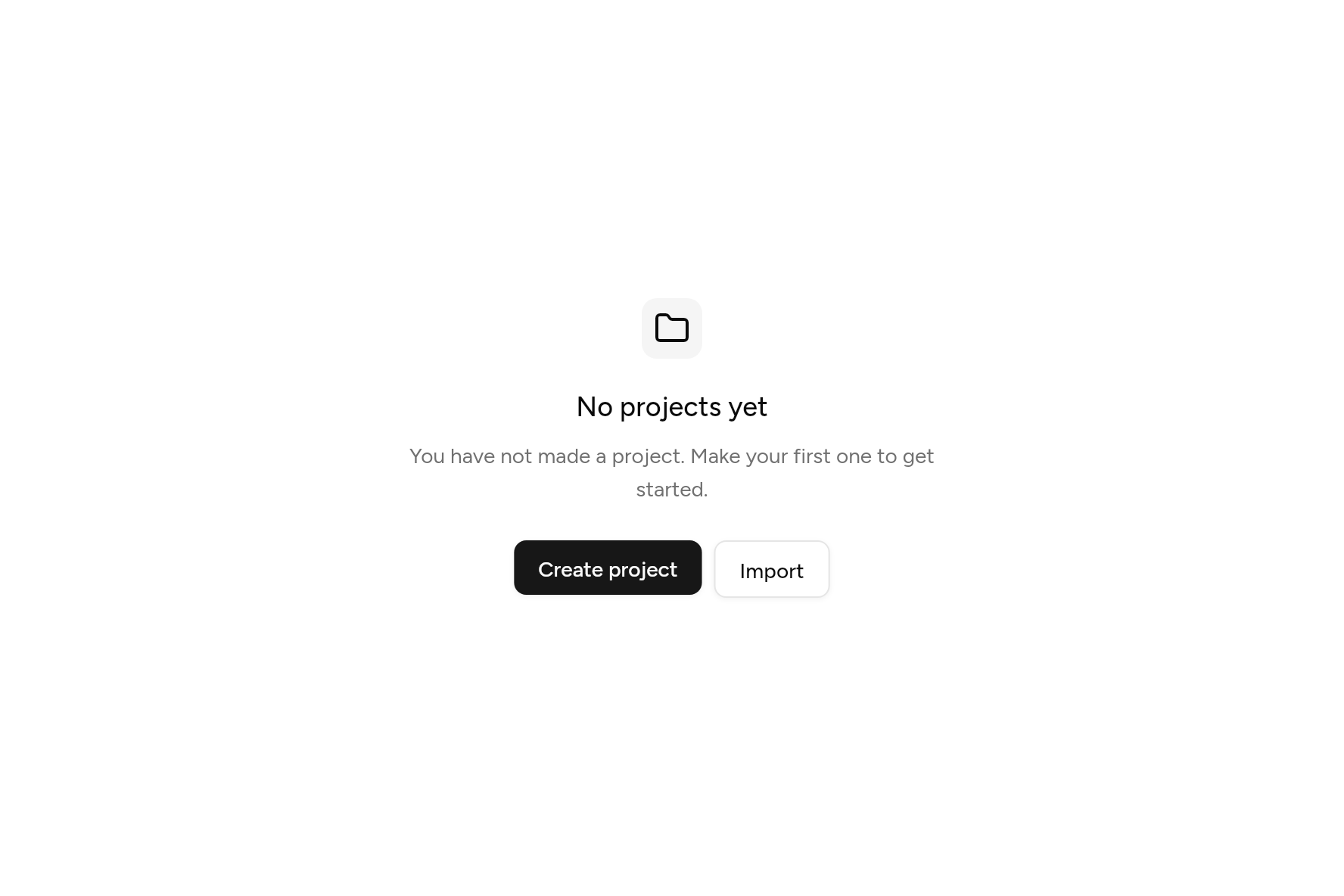
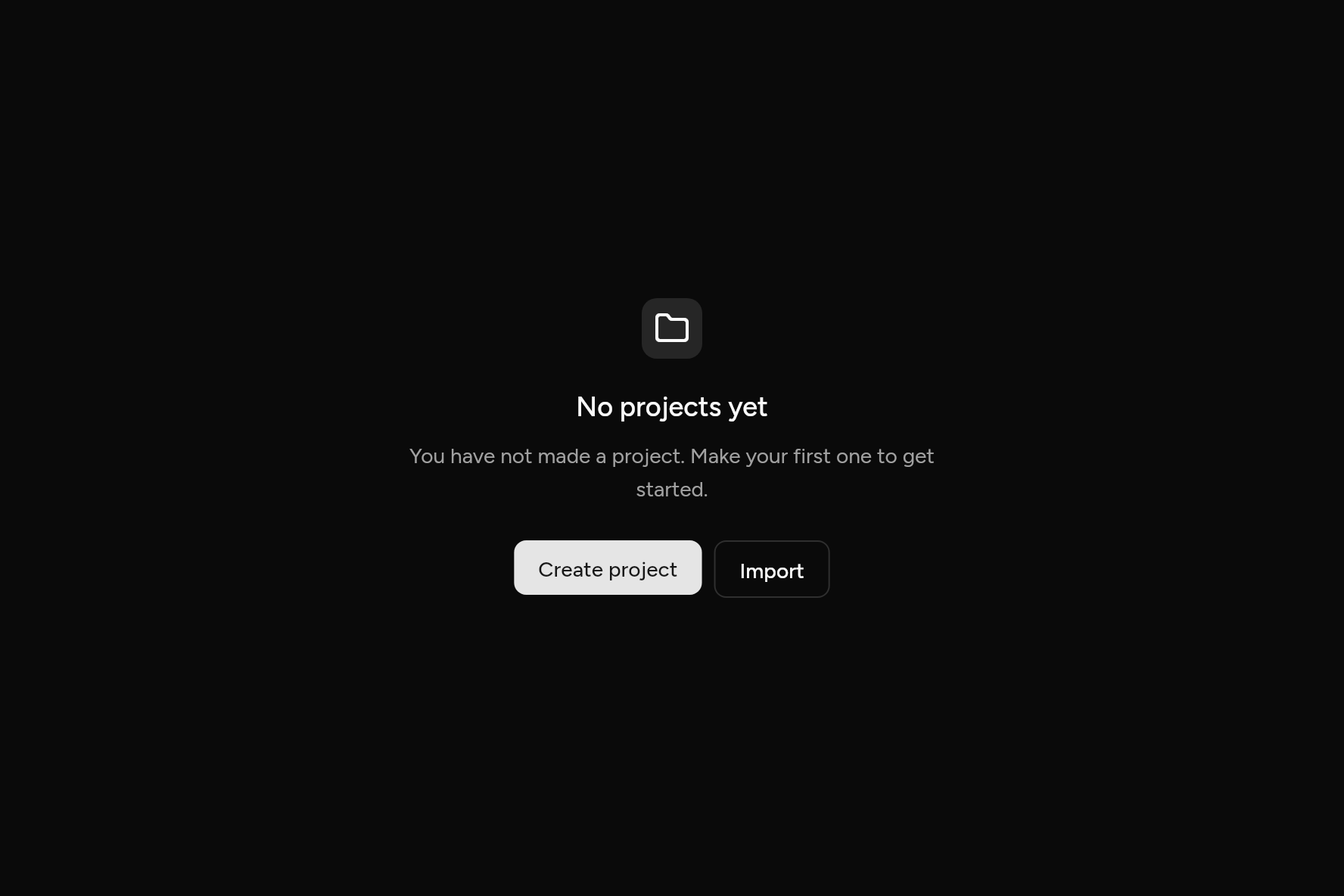
import 'package:ashlar_icons/ashlar_icons.dart';
import 'package:flutter/widgets.dart';

import 'ui/button.dart';
import 'ui/empty.dart';

class EmptyDemo extends StatelessWidget {
  const EmptyDemo({super.key});

  @override
  Widget build(BuildContext context) => Empty(
    icon: const AshlarIcon(AshlarIconsRoundedStroke.folder),
    title: const Text('No projects yet'),
    description: const Text('You have not made a project. Make your first one to get started.'),
    actions: [
      Button(onPressed: () {}, child: const Text('Create project')),
      Button(variant: ButtonVariant.outline, onPressed: () {}, child: const Text('Import')),
    ],
  );
}
Try its options
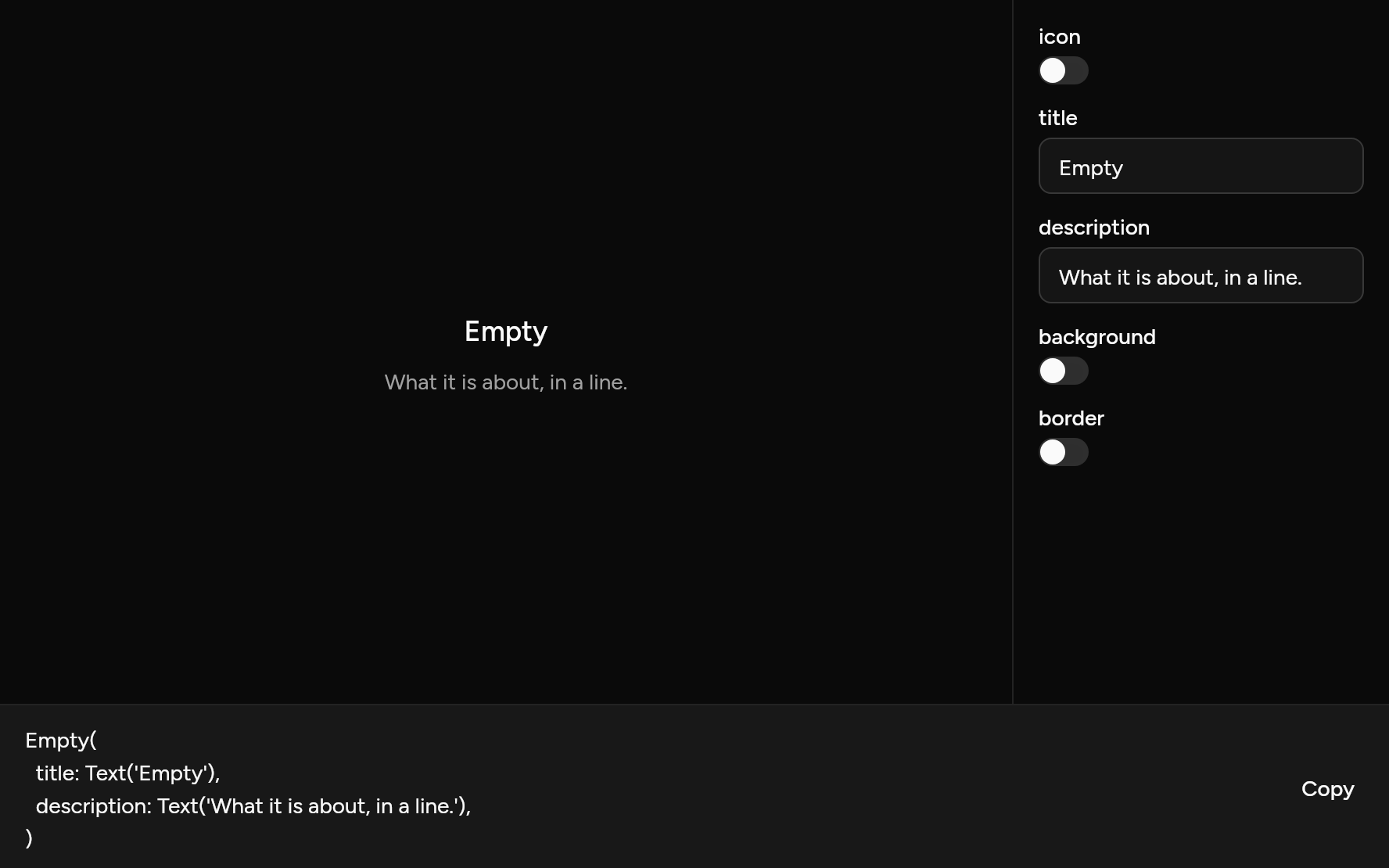
Each option its constructor takes, to change and see; the code below it is what you chose, to copy.
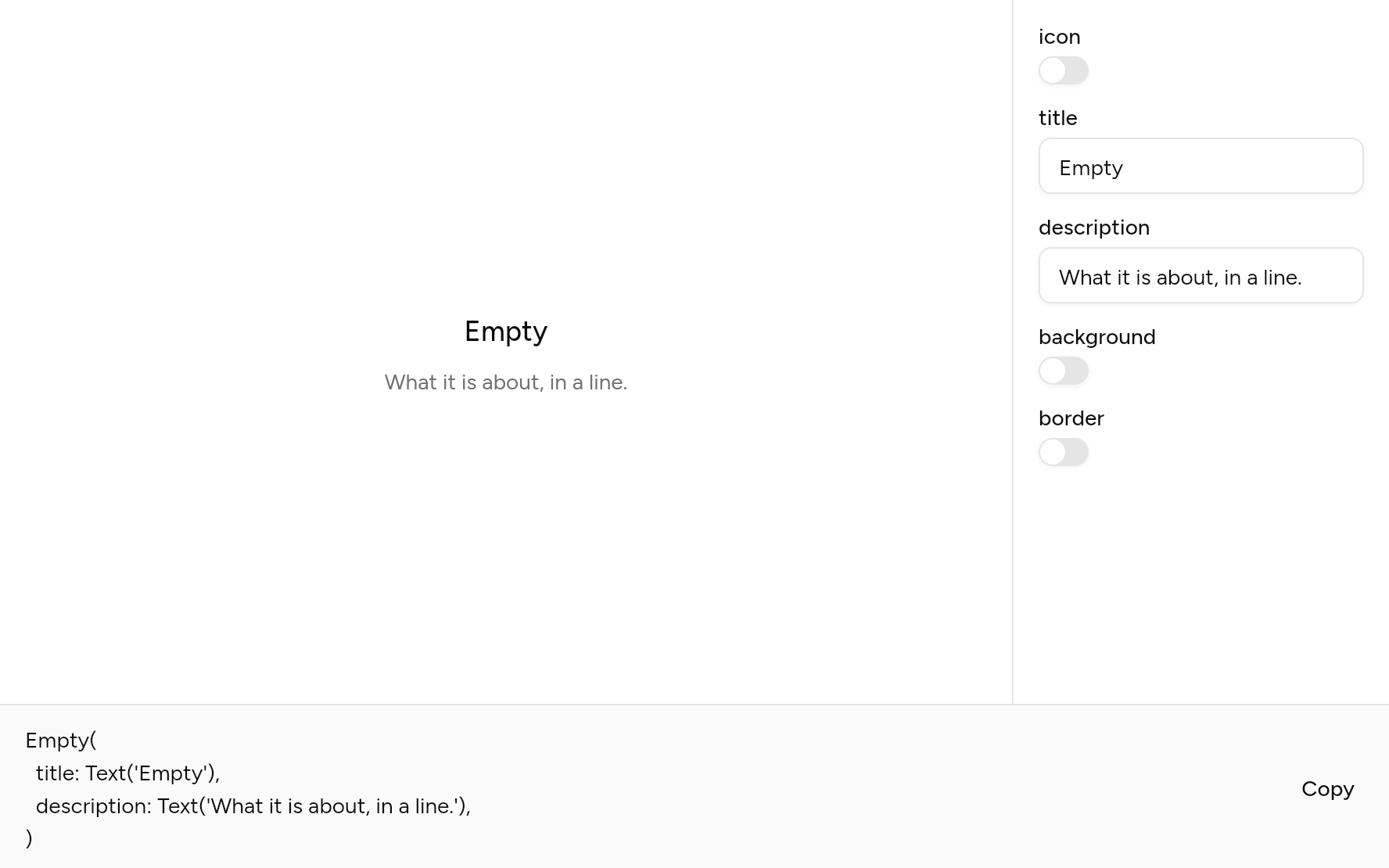
Add it
In your Flutter project:
$
ashlar add empty
It writes theme.dart, palette.dart and empty.dart into lib/ui, keeping any you already have.
Examples
Other ways to use it, each running live, with its code.
On a muted fill
With a border and a background.
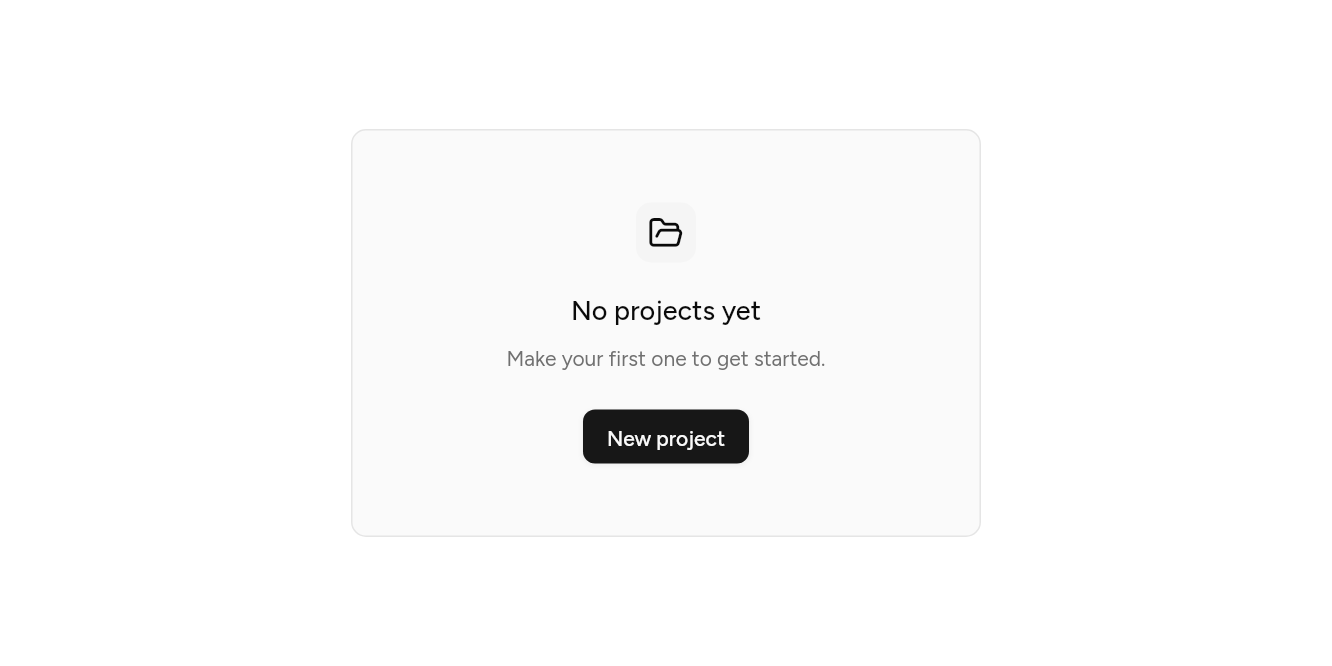
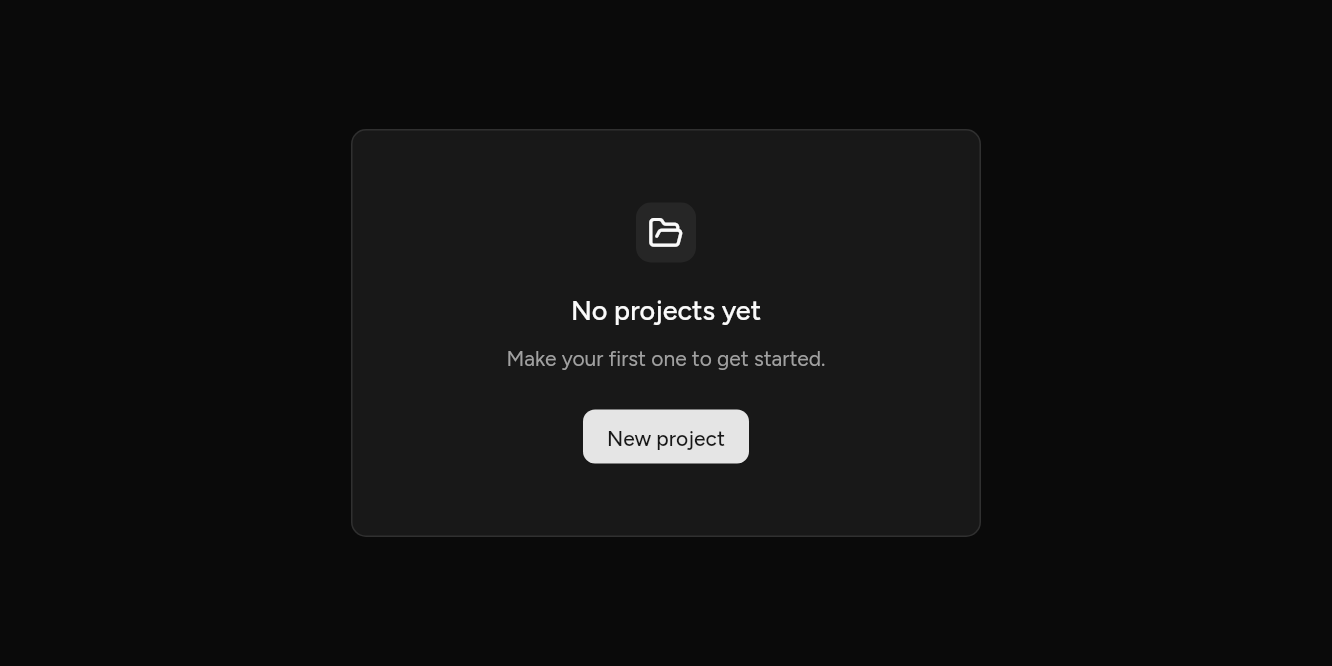
// On a muted fill: With a border and a background.
import 'package:ashlar_icons/ashlar_icons.dart';
import 'package:flutter/widgets.dart';

import 'ui/button.dart';
import 'ui/empty.dart';

class EmptyMutedExample extends StatelessWidget {
  const EmptyMutedExample({super.key});

  @override
  Widget build(BuildContext context) => SizedBox(
    width: 420,
    child: Empty(
      background: true,
      border: true,
      icon: const AshlarIcon(AshlarIconsRoundedStroke.folderOpen),
      title: const Text('No projects yet'),
      description: const Text('Make your first one to get started.'),
      actions: [Button(onPressed: () {}, child: const Text('New project'))],
    ),
  );
}
API
Read from the source above: each parameter with its type, its default, and what it is for.
Emptyclass
What a list or a page shows when there is nothing in it yet, and what to do about it.
| Parameter | Type | Default | What it is for |
|---|---|---|---|
icon |
Widget? |
Drawn in a small muted square above the title. | |
titlerequired |
Widget |
What is empty. | |
description | Widget? | What to do about it. | |
actions |
List<Widget> |
const [] |
Buttons to do it. |
background |
bool |
false |
On a muted ground, filling the width it is given. |
border |
bool |
false |
Inside a line, filling the width it is given. |
Source
What lands in your app. It is yours from then on: change it as you would your own code, and ashlar add
will not write over it.
lib/ui/empty.dart 116 lines
// Ashlar UI: Empty. Copied into your app by `ashlar add empty`; it is yours to change.

import 'package:flutter/widgets.dart';

import 'theme.dart';

/// What a list or a page shows when there is nothing in it yet, and what to do about it.
///
/// ```dart
/// Empty(
///   icon: AshlarIcon(AshlarIconsRoundedStroke.folder),
///   title: Text('No projects yet'),
///   description: Text('Create a project to get started.'),
///   actions: [Button(onPressed: create, child: Text('Create project'))],
/// )
/// ```
class Empty extends StatelessWidget {
  const Empty({
    super.key,
    this.icon,
    required this.title,
    this.description,
    this.actions = const [],
    this.background = false,
    this.border = false,
  });

  /// Drawn in a small muted square above the title.
  final Widget? icon;

  /// What is empty.
  final Widget title;

  /// What to do about it.
  final Widget? description;

  /// Buttons to do it.
  final List<Widget> actions;

  /// On a muted ground, filling the width it is given.
  final bool background;

  /// Inside a line, filling the width it is given.
  final bool border;

  @override
  Widget build(BuildContext context) {
    final t = AshlarTheme.of(context);
    final c = t.colors;
    final framed = background || border;
    final content = ConstrainedBox(
      constraints: const BoxConstraints(maxWidth: 384),
      child: Column(
        mainAxisSize: MainAxisSize.min,
        children: [
          if (icon != null) ...[
            Container(
              width: 40,
              height: 40,
              alignment: Alignment.center,
              decoration: BoxDecoration(
                color: c.muted,
                borderRadius: BorderRadius.circular(t.radiusLg),
              ),
              child: IconTheme.merge(
                data: IconThemeData(color: c.foreground, size: 24),
                child: icon!,
              ),
            ),
            const SizedBox(height: 16),
          ],
          DefaultTextStyle.merge(
            style: t.text.lg.copyWith(
              color: c.foreground,
              fontWeight: FontWeight.w500,
            ),
            textAlign: TextAlign.center,
            child: Semantics(header: true, child: title),
          ),
          if (description != null) ...[
            const SizedBox(height: 8),
            DefaultTextStyle.merge(
              style: t.text.sm.copyWith(
                color: c.mutedForeground,
                height: 22 / 14,
              ),
              textAlign: TextAlign.center,
              child: description!,
            ),
          ],
          if (actions.isNotEmpty) ...[
            const SizedBox(height: 24),
            Wrap(
              spacing: 8,
              runSpacing: 8,
              alignment: WrapAlignment.center,
              children: actions,
            ),
          ],
        ],
      ),
    );
    if (!framed) return content;
    return Container(
      width: double.infinity,
      padding: const EdgeInsets.symmetric(horizontal: 24, vertical: 48),
      decoration: BoxDecoration(
        color: background ? c.muted.withValues(alpha: c.muted.a * .5) : null,
        borderRadius: BorderRadius.circular(t.radiusLg),
        border: border ? Border.all(color: c.border) : null,
      ),
      // Centred across, and as tall as what it holds.
      child: Center(heightFactor: 1, child: content),
    );
  }
}